
A day after Apple showed off its big software updates, Google is rolling out a significant set of upgrades for its Android operating system and Pixel phones. This new wave of features, including the official release of Android 16 for Pixel devices and the latest “Pixel Drop,” brings smarter AI tools, better accessibility, enhanced security, and more ways to customize your phone. Get ready for improvements to everything from your lock screen notifications to group chats and even how you pay for public transit.
Contents
Diving into the Android 16 Upgrade
Android 16 is now rolling out to Google’s own Pixel smartphones, bringing a host of system-wide enhancements.
One of the first things you might notice is a revamped lock screen experience. Android 16 adds features similar to live notifications, giving you real-time updates from apps directly on your lock screen without needing to unlock your phone. Think delivery status updates or live sports scores glanceable at a moment’s notice.
The update also introduces Google’s new Material 3 Expressive design language. While the technical name sounds complex, it essentially means a refreshed, more dynamic, and potentially more colorful look and feel for the Android interface, making your phone feel a bit fresher.
 Android 16 lock screen showing live updatesSecurity is a big focus in Android 16. Google is adding new capabilities designed to help safeguard against theft and scams. For users who need extra protection, like public figures, there’s an updated advanced protection mode to keep sensitive data more secure.
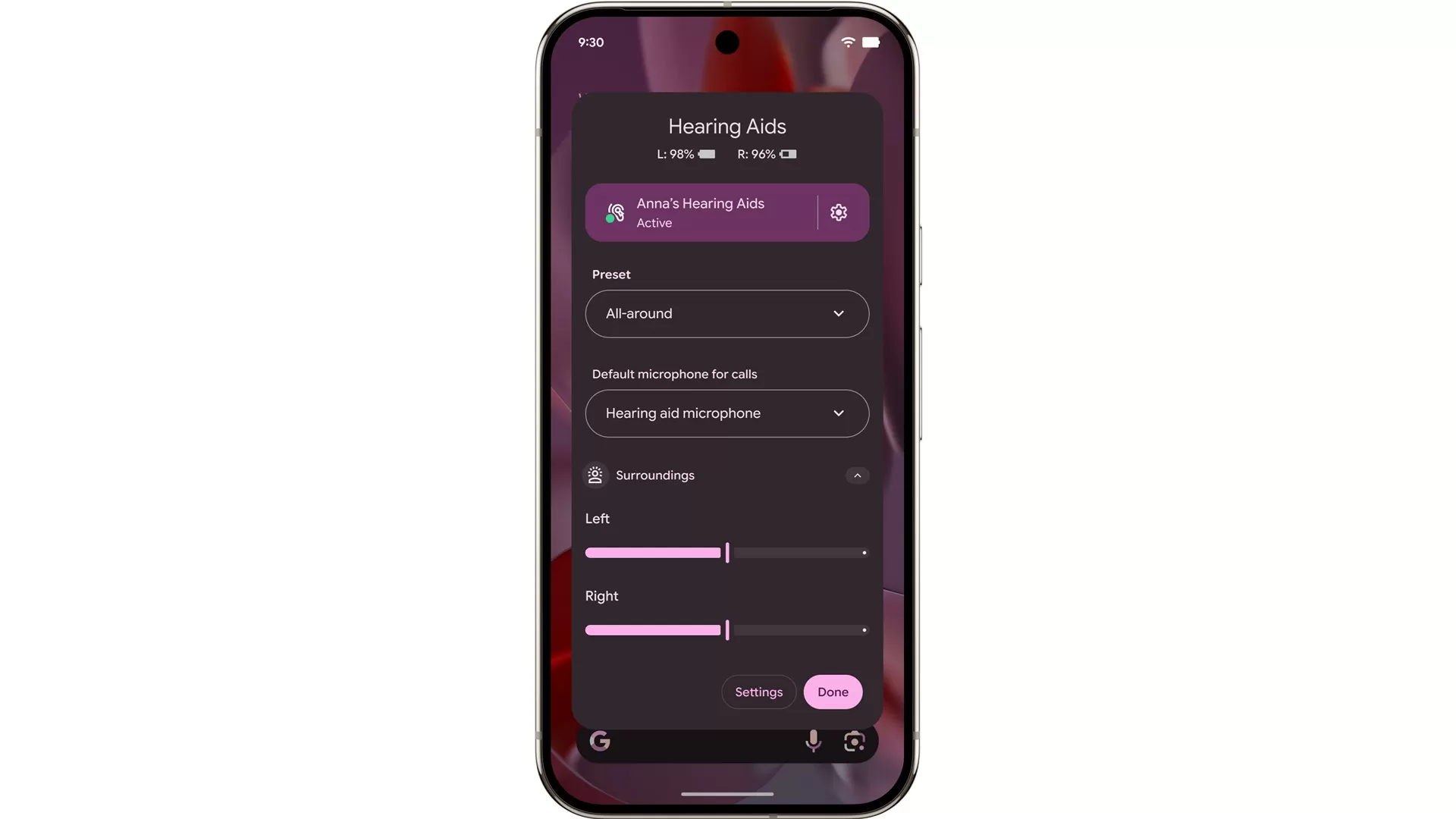
For audio lovers and those who make calls, Android 16 now supports Bluetooth Low Energy (LE) audio devices to act as your phone’s microphone, potentially offering clearer call quality when using compatible earbuds or headphones. Plus, you get new native controls for easily adjusting the volume of connected devices right from your phone.
Looking ahead, Android 16 on tablets will gain desktop-style windowing support later this year, making multitasking feel more like using a computer. Google also plans to add custom keyboard shortcuts, letting you set your own key combinations to quickly launch apps – a handy feature for productivity.
Better Messaging and Photos
Messaging gets a boost with an update to Google Messages that adds support for RCS group chat. This means richer features for group conversations using the newer RCS standard, including the ability to select custom icons for groups and easily mute notifications for specific chats for a set time.
Android 16 also brings smaller, but useful, improvements like HDR screenshots (for better quality image captures), an adaptive refresh rate (to make scrolling smoother while saving battery), and forced grouping for notifications to help declutter your notification drawer.
Google Photos is getting smarter thanks to AI. Soon, the app will be able to look at your pictures and suggest editing tools like magic erase, moving objects, or even a “reimagine” feature for portions of an image, making powerful photo edits more accessible.
 Google Photos AI suggesting editsRounding out the Android 16 updates are quality-of-life features like the ability to favorite devices in the Google Home app for quicker control and support for paying for public transit using Google Wallet on Wear OS devices – meaning you can tap your watch to pay without pulling out your phone.
Exclusive Treats in the Latest Pixel Drop
Alongside the core Android 16 update, Google is rolling out its regular set of feature upgrades specifically for eligible Pixel phones. This is what Google calls a “Pixel Drop,” bringing unique capabilities to its hardware.
A new “Pixel VIPs” widget is coming, designed to make keeping up with your most important contacts easier. It shows recent calls and messages, including those from apps like WhatsApp, and even contact updates like birthdays or location if they’re shared.
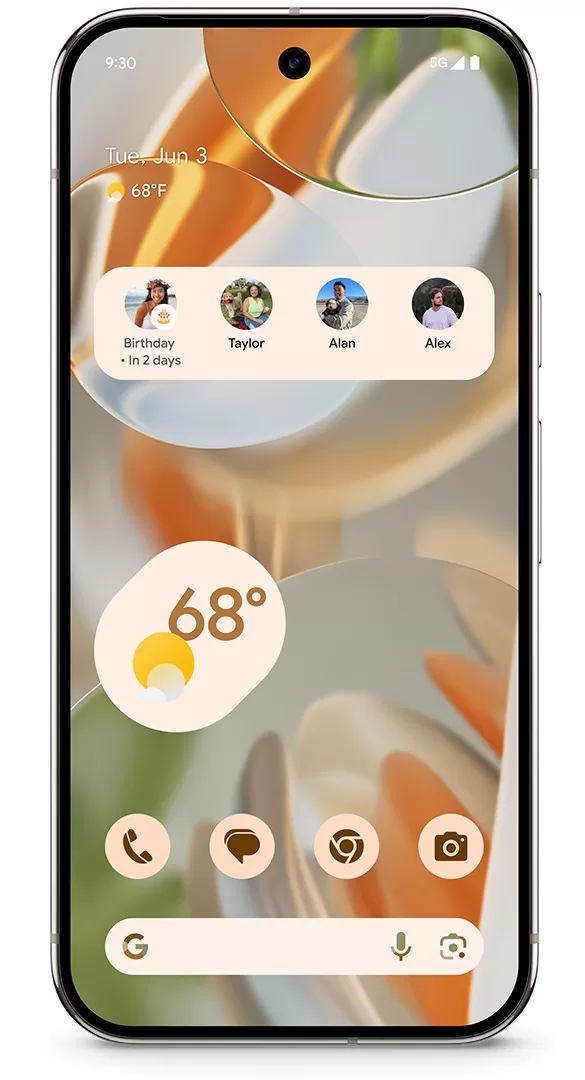 Pixel VIPs widget on a phone screenPixel phones are also getting more detailed live captions for video content, including livestreams. The captions will now describe sounds beyond just speech, such as someone whispering, yawning, or clearing their throat, offering better context, especially for accessibility.
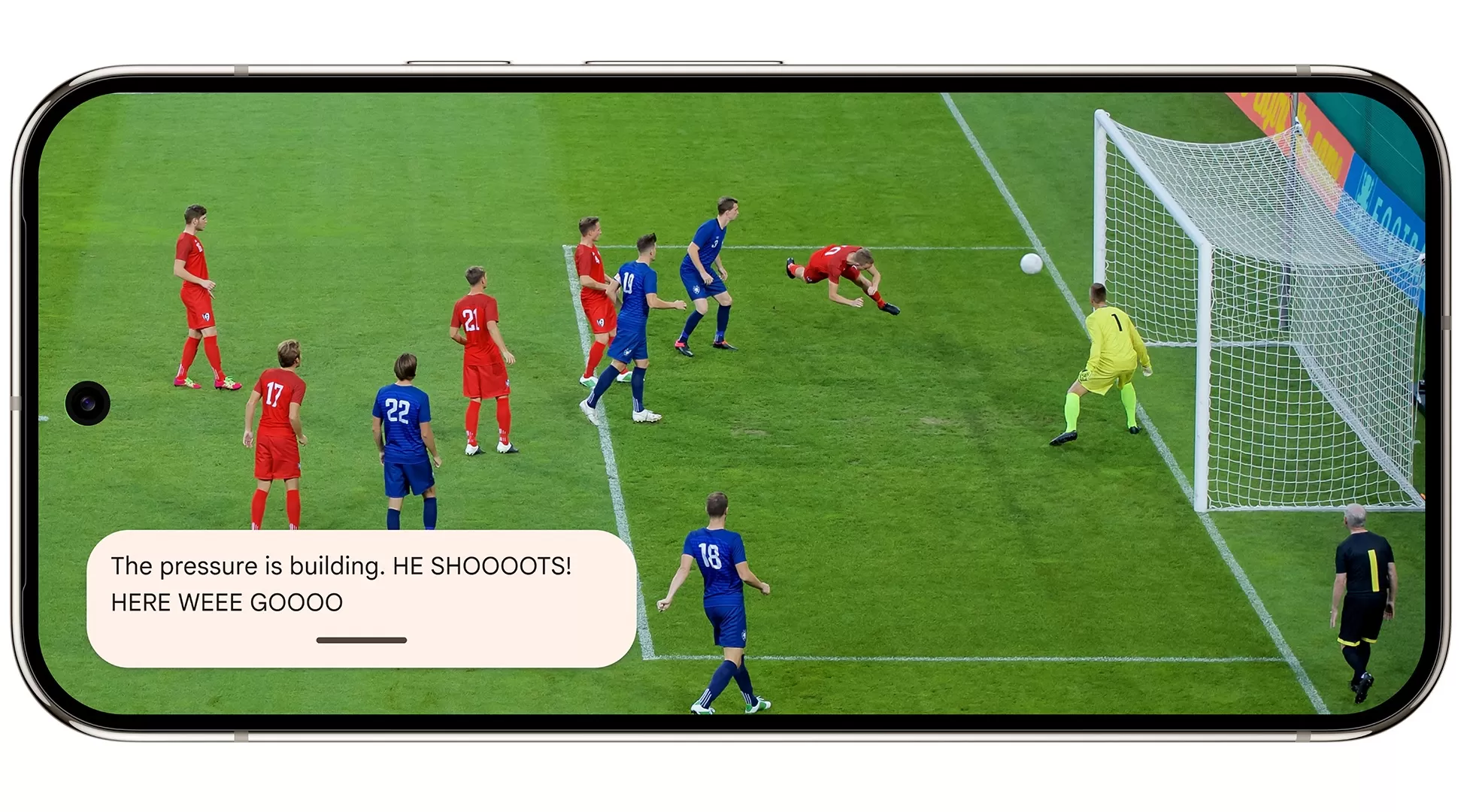 Pixel phone showing expressive live captions for a videoFeeling creative? You can now create custom stickers using text prompts directly from Google’s Gboard keyboard. Just type a description, and AI helps generate a sticker.
For users of the Recorder app, AI-powered summaries are expanding to support French and German, making it easier to get quick takeaways from long recordings in these languages.
And for Pixel users in Australia, the update adds support for Android’s Emergency SOS satellite connectivity feature, providing a crucial safety net in areas without cellular service.
A practical addition for newer models (Pixel 8a and newer) is a battery health indicator, giving you insight into the long-term condition of your phone’s battery.
An impressive accessibility feature is coming to the Magnifier app on Pixel 5 and later. You can now use Magnifier to describe what you’re looking for, and the app will highlight the item using haptics and visuals if it finds a match – a powerful tool for navigating the world.
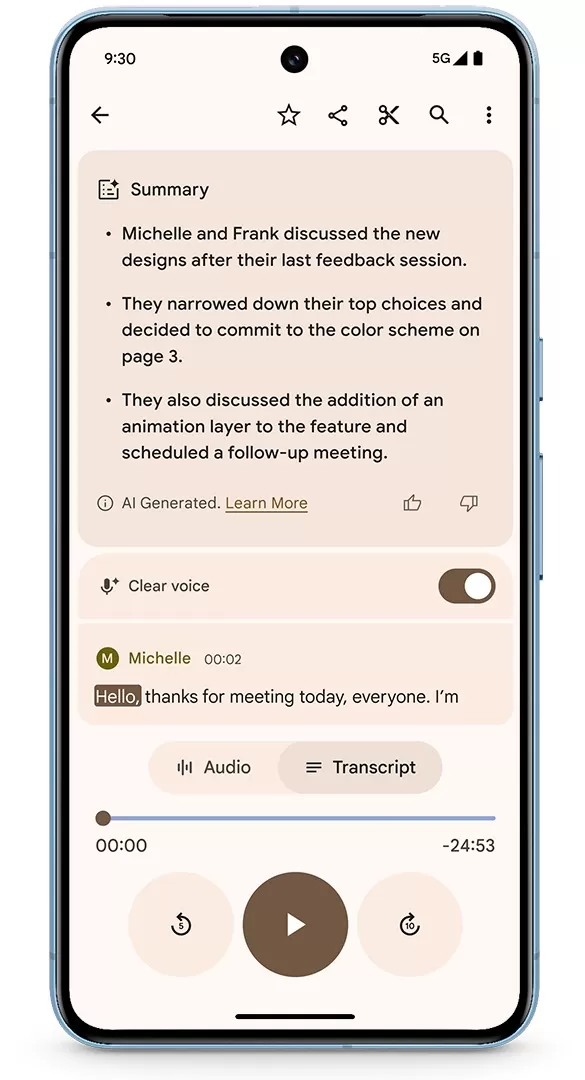 Pixel phone showing Recorder app with AI summarizationLastly, enterprise users aren’t left out. They can now securely store corporate badges in Google Wallet. Additionally, they can leverage Google’s Gemini chatbot app directly within Google Docs on Android for tasks like summarizing content, getting insights, or translating text. Chrome on Android is also getting enhancements for handling PDFs, including linked document viewing.
June’s Pixel Drop updates, along with the main Android 16 release for eligible devices, began rolling out starting this week.
These updates, from smarter AI in apps to core system improvements and accessibility features, show Google continues to push the boundaries of what Android and Pixel phones can do to make our daily digital lives easier, safer, and more connected. Check your Pixel phone for the update to experience these new features firsthand!






















