
Big news for anyone who uses music, podcast, or audiobook apps on Android Auto! Google recently announced some key updates that will change how your favorite media apps look and work on your car’s screen. The goal? To make finding your tunes or podcasts easier and less distracting while you’re driving.
Contents
These changes, teased at Google I/O 2025, focus primarily on two areas: how you browse content within an app and how the “Now Playing” screen is laid out. Get ready for a potentially smarter, more flexible media experience in your car.
Why Your Music Apps on Android Auto Are Changing
For years, media apps on Android Auto have looked pretty similar. This consistency is good because you generally know where buttons are, no matter which app you’re using. However, it also meant apps couldn’t always show information or organize content in the best way for their specific type of media (like showing a long podcast list versus highlighting new albums). Google is now giving developers more tools to customize the experience while still keeping safety in mind.
What’s New? Key Updates Announced
Google is introducing new ways for developers to build their Android Auto apps, bringing two main visual and functional improvements:
Smarter Browsing and Organization
One of the first things you do in a media app is browse. Google is adding a new template that allows apps to show content in sections.
Imagine opening Spotify or YouTube Music. Instead of just one long scrolling list of everything, an app could now use this new feature to show sections like “Recent Searches” at the top, followed by “Recommended Playlists,” then “New Releases,” and so on. This helps you quickly jump to what you’re likely looking for without endless scrolling, making it faster and safer to find your content before you start driving.
 Screenshot showing the new sectioned browsing interface in an Android Auto media app.
A More Flexible “Now Playing” Screen
The screen that shows what’s currently playing – with the song title, artist, and playback controls (play/pause, skip) – is also getting an update. Google is giving developers more flexibility in how they arrange elements on this screen.
While it won’t drastically change the look and feel, this added freedom could mean slight differences in layout between apps. For example, control buttons might shift position slightly to better fit album art or display more information about a podcast episode. The idea is to allow apps to optimize this crucial screen for their specific content type, potentially making controls feel more intuitive or allowing more visual flair.
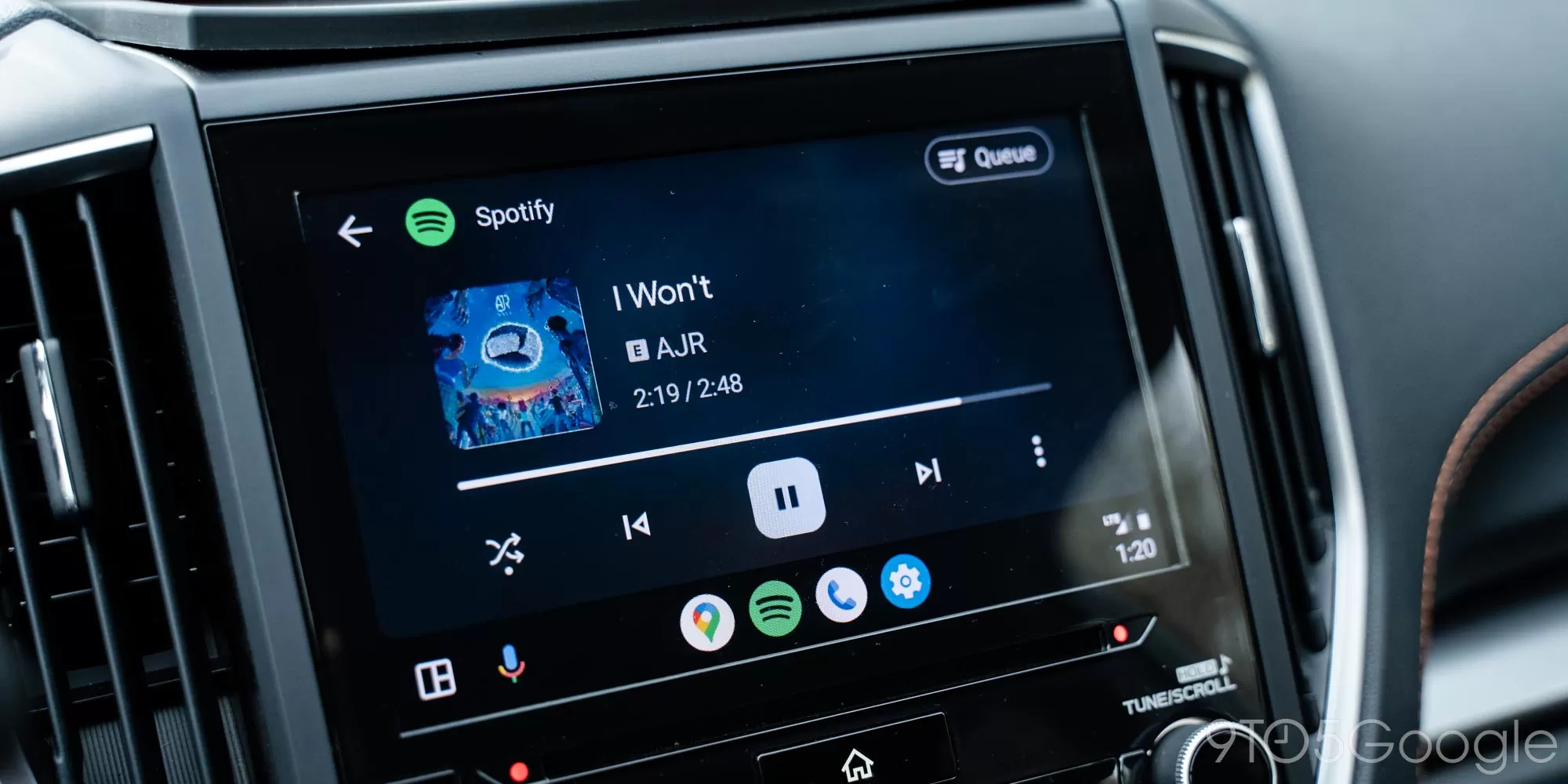 Android Auto dashboard showing the current media player interface for comparison.
Unlocking Richer App Experiences
Beyond the visual templates, Google is also providing developers with more power through the “Car App Library.” In essence, this allows apps to bring more of the features you find on your phone directly into the car interface. Currently in beta, this could eventually mean features that felt missing from the car version of an app might start appearing, creating a more complete experience without needing to touch your phone. Think less “basic remote control” and more “tailored car app.”
Who Will Get These Updates First?
Google has confirmed that major players like Spotify, Amazon Music, and YouTube Music are planning to adopt these new capabilities. This is great news as these are some of the most popular media apps used in cars.
When Can You Expect Them?
While the features have been announced and shown off, Google hasn’t provided a specific timeline for when you’ll start seeing these changes appear in the apps themselves. Developers will need time to implement the new templates and tools. Keep an eye out for updates to your favorite music and podcast apps on the Google Play Store in the coming months.
These updates aim to refine your in-car entertainment experience on Android Auto, making your time on the road just a little bit better.
Want to learn more about what’s coming to Android Auto? Check out other articles on upcoming Android Auto features.






















