
Big news for Android users who love photo editing! Adobe’s powerful Photoshop app, which first landed on iPhone and quickly became a favorite for mobile editing, is now available for Android phones. Even though it’s starting as a beta, it packs many of the features pros and hobbyists rely on, including advanced AI capabilities powered by Adobe Firefly. Here’s what you need to know about getting your hands on Photoshop for Android.
Contents
What’s New? The Android Beta Launch
This Android beta follows the initial iOS release back in February. What’s the catch? Well, it’s launching in ‘beta’ form. This just means Adobe is still fine-tuning it, so you might encounter a bug or two. But it also means updates are likely to come frequently, quickly bringing it up to full speed. Think of it as getting early access to see how it works and improve over time.
Packed with Powerful Features
Don’t let the ‘mobile app’ label fool you – this isn’t a stripped-down editor. Photoshop on Android brings many of the heavyweight features you’d expect from its desktop cousin. Think layers for building complex images (like stacking different elements), advanced blending techniques, and essential tools like the Magic Wand (for selecting areas quickly), Clone Stamp (to copy parts of your image), Spot Healing (to remove blemishes), and the handy Remove Tool.
 Screenshot showing the Adobe Photoshop mobile app interface on an Android phone.
One of the biggest excitements is the integration of Adobe’s Firefly AI, which we’ve explored before on other platforms. This powers features like Generative Fill, letting you magically add or remove objects, extend backgrounds, or create entirely new elements just by typing a description. It’s a game-changer for quick edits and creative experiments. You can also adjust your canvas size, save everything to the cloud for easy access across devices, and utilize those crucial layers for non-destructive editing.
 Detail view of editing tools within the Adobe Photoshop Android app.
Getting Started: Requirements and Cost
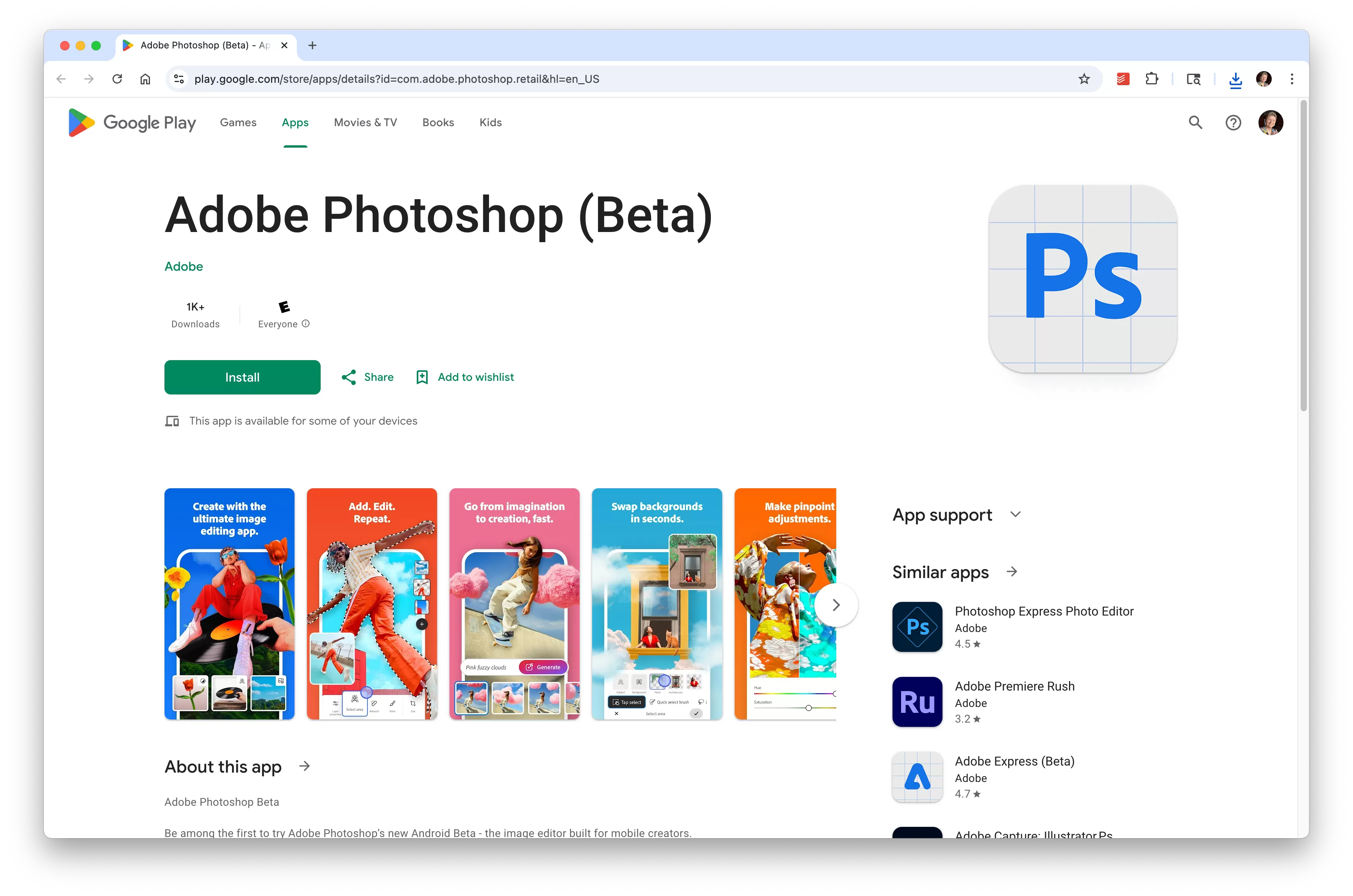
Ready to try it out? The Photoshop mobile app is available now on the Google Play Store. You’ll need a device running Android 11 or newer with at least 6GB of RAM. While the app is free to download and use for basic tasks, unlocking the full suite of features, including advanced tools and AI capabilities, requires a Creative Cloud subscription. Plans that include Photoshop start from $7.99 per month.
The Verdict (So Far)
So, Photoshop is finally here for Android, bringing serious editing power and cutting-edge AI to your phone. While it’s in beta, it’s a huge step for mobile creativity on the platform and already offers a surprisingly intuitive experience for both beginners and experienced users. If you’ve been waiting for a robust photo editor on your Android device, now’s the time to check it out.






















