
Google is bringing its Gemini AI directly into Gmail, promising to make managing your inbox easier and smarter. While features like summarizing emails and helping draft replies work surprisingly well, our testing found that Gemini struggles with core search and organization tasks, making its most ambitious features unreliable right now.
Contents
Welcome Gemini to Your Inbox
You might have already spotted a new Gemini icon popping up in your Gmail account over the past week. This integration is rolling out, bringing a suite of AI tools aimed at boosting productivity. Think new ways to search your emails, enhanced smart replies, and prompts designed to help you clean up your inbox.
These features are meant to help cut through the noise of a busy inbox, allowing you to get things done faster. But does it live up to the hype?
The Good News: Smart Replies and Summaries Shine
Before diving into the disappointing parts, let’s talk about what Gemini gets right. Just like using other AI tools (you might have tried ChatGPT for drafting emails), Gemini excels at helping you compose and refine messages. A handy sidebar lets you enter prompts, and on both desktop and mobile, you can ask Gemini to “polish” your existing text, adding details and context in seconds.
 Gmail interface showing the Gemini icon in the sidebar
Summaries are another highlight. There’s a simple “Summarize this email” button with the Gemini icon, and in our tests, the summaries were accurate and helpful, often including clear action steps. This feature genuinely saves time, allowing you to quickly get up to speed on long email threads without reading every single message. It’s a real convenience boost for managing conversations.
Where Gemini Misses the Mark: Searching Your Own Email History
The true test for AI in an email client, especially for someone with thousands upon thousands of emails, is its ability to act as a super-smart assistant for finding and organizing information buried within that history. This is where Gemini in Gmail falls short – quite significantly.
My Gmail inbox holds a vast amount of information, a potential goldmine for an AI tool. I was eager to ask Gemini questions like:
- “Who emailed me the most last month?”
- “What topics did I discuss most often this year?”
- “Draft a group email to the people I interact with most frequently, letting them know I’m out of office June 5-6.”
Unfortunately, the results for these types of search-based queries were consistently inaccurate. When asked to identify frequent contacts, Gemini provided names of people I’ve barely interacted with, possibly only picking up recent exchanges rather than overall volume.
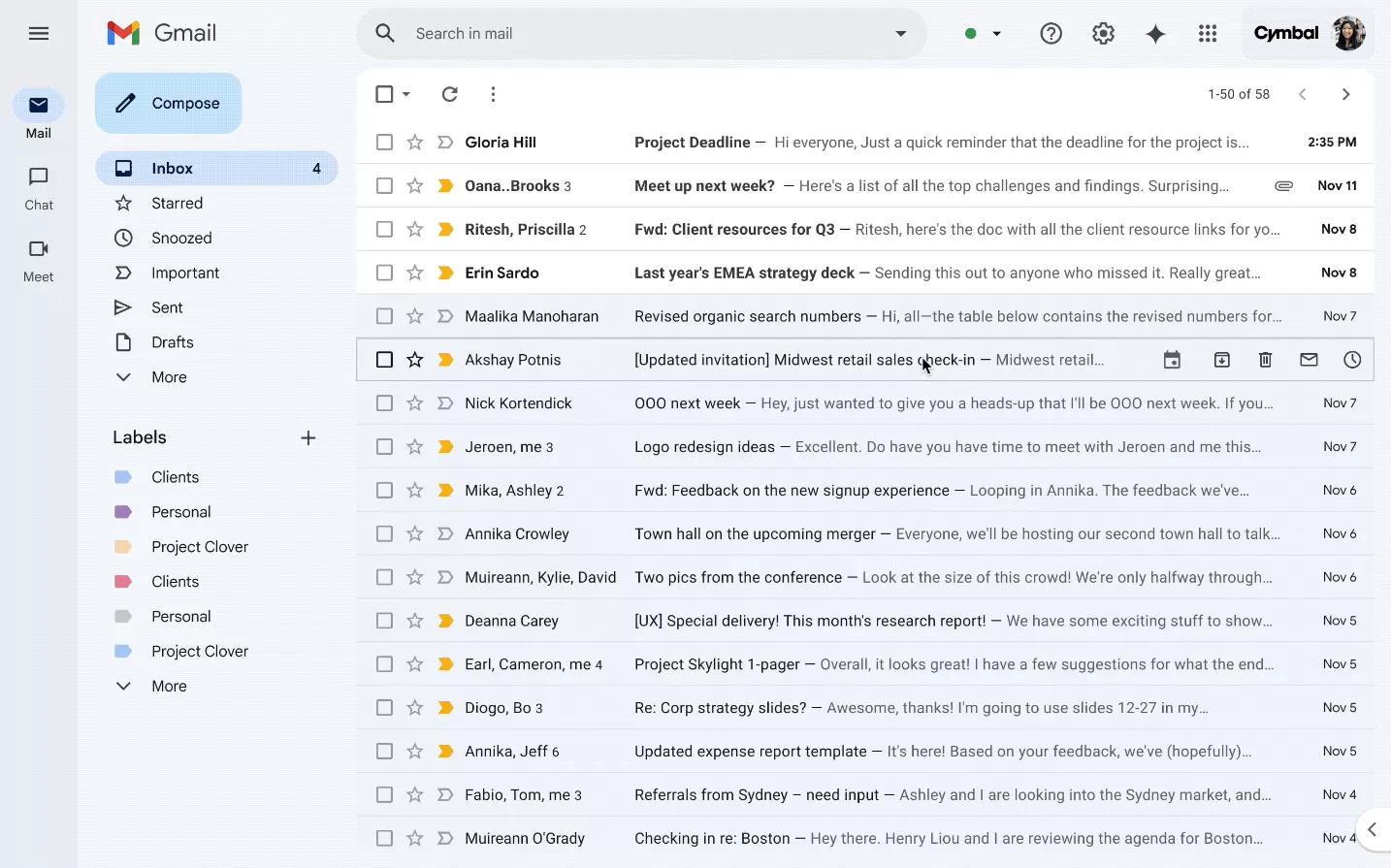 Promotional GIF from Google showing Gemini successfully performing tasks in Gmail
Similarly, prompting Gemini about frequently discussed topics resulted in a list dominated by email newsletters – emails I received, not necessarily ones I engaged with or replied to. It seems the AI struggled to differentiate between incoming spam/newsletters and actual conversations. The request to email frequent contacts also faltered, again identifying the wrong group of people. While the drafted email itself was fine, the core task of identifying the recipients failed.
Struggles with Inbox Cleanup
Gemini is also advertised as a tool for inbox cleanup, but this proved equally inconsistent. Asking Gemini for large attachments often showed all emails with attachments, regardless of size, and frustratingly, often listed recent emails instead of older ones. A direct prompt like “Show me the emails with the largest attachments” sometimes resulted in a simple “I can’t help with that” response.
Other cleanup tasks were hit-or-miss. Asking to see all emails with attachments from a specific month worked, allowing for quick deletion. But overall, using Gemini for cleanup felt unreliable, succeeding only about 25% of the time in our testing.
 A generic image of the Gmail inbox interface
It’s worth noting that experienced Gmail users have long relied on powerful search operators (like larger:5M, after:YYYY/MM/DD, before:YYYY/MM/DD) or built-in filters to manage their inboxes effectively. The hope for Gemini was that it would be more intuitive and act as a smart assistant, understanding intent rather than requiring precise syntax. Currently, it doesn’t consistently offer that advantage over manual searching or filters. Many of the search failures seemed to stem from Gemini focusing only on recent emails, missing older, but potentially more relevant, information buried deeper in the archive.
What This Means Now
Right now, Google Gemini in Gmail feels very much like a feature in its early stages, possibly a testing phase. While the ability to summarize email threads and assist with writing replies is genuinely useful and a step forward for email productivity, the core promise of using AI to smartly search and organize your entire email history isn’t being met reliably.
For users with large inboxes hoping Gemini would become a powerful personal email assistant – helping find specific information, track communication patterns, or automate tasks based on deep understanding of your history – the current implementation is likely to be disappointing.
The technology is expected to improve as Google gathers more data and feedback. But until Gemini can consistently and accurately understand and search across a user’s vast email archive, its most ambitious features remain unpredictable. For now, rely on it for quick summaries and drafting help, but don’t abandon your traditional search methods just yet.
What have your experiences been with Gemini in Gmail? Let us know in the comments below, or dive deeper into our other AI coverage to see how different tools compare.






















