
Get ready to see your iPad in a whole new light. Following its recent WWDC 2025 event, Apple unveiled iPadOS 26, touting it as “the biggest iPadOS release ever.” This isn’t just hype; this update genuinely transforms the iPad experience, pushing it further beyond a simple consumption device and closer to a versatile tool for serious work. The key takeaways? Major leaps in multitasking, new productivity apps, and significant under-the-hood improvements.
Contents
The Multitasking Revolution Your iPad Needed
If you’ve ever tried to juggle multiple apps on an iPad, you know the frustration. The current system, largely limited to two apps in Split View with awkward switching via Slide Over, feels restrictive. Trying to write an email while referencing a document or calendar often means constantly flipping back and forth, which isn’t conducive to getting things done efficiently. It often makes you feel like you need a second screen, even if it’s just your phone.
iPadOS 26 introduces vastly improved multitasking controls and a sophisticated new windowing system. You’ll be able to see all your open windows at once and arrange them intuitively to suit your workflow. These new controls work seamlessly with Stage Manager, allowing you to group apps into specific work environments. This upgrade is so significant that iPadOS is retiring the older Split View and Slide Over features to make way for this more flexible approach.
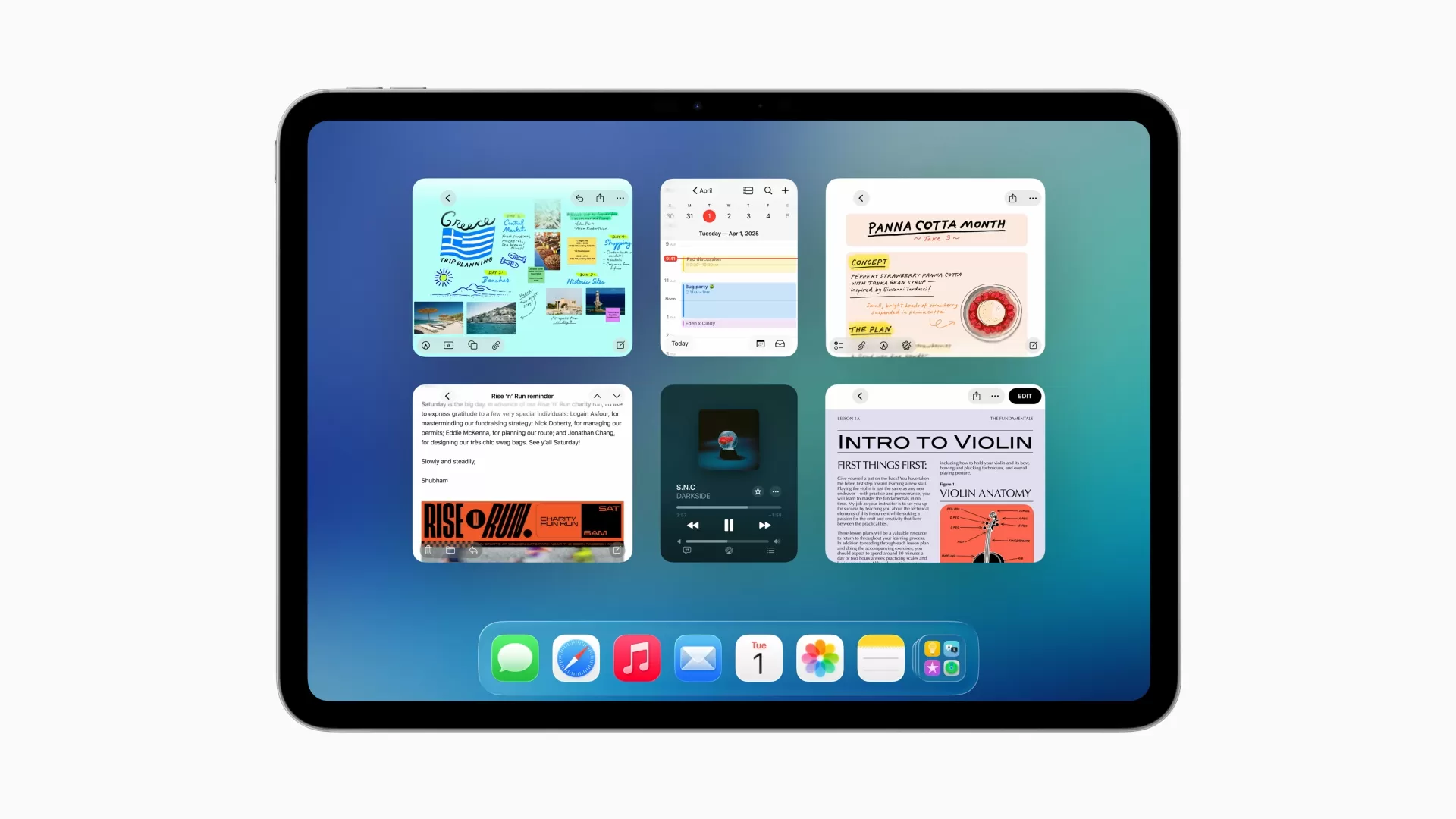 iPad screen demonstrating the current Split View multitasking limitation with two apps open side-by-side
Boosted Productivity Tools
Beyond multitasking, iPadOS 26 brings several handy new features designed to streamline common tasks.
PDF Power with Preview
Handling PDFs on an iPad gets a major boost with the new Preview app. This built-in app allows you to edit and view PDFs natively, bringing features like AutoFill for forms and full compatibility with the Apple Pencil for annotations and signatures. No more relying on third-party apps for basic PDF work.
Mac-Style Menu Bars
Following in the footsteps of macOS, apps on iPad will now feature a menu bar. This might seem like a small change, but it makes it much easier to find specific commands and features within complex applications. Developers can also customize these menu bars for their own apps, leading to a more consistent and navigable user experience across the board.
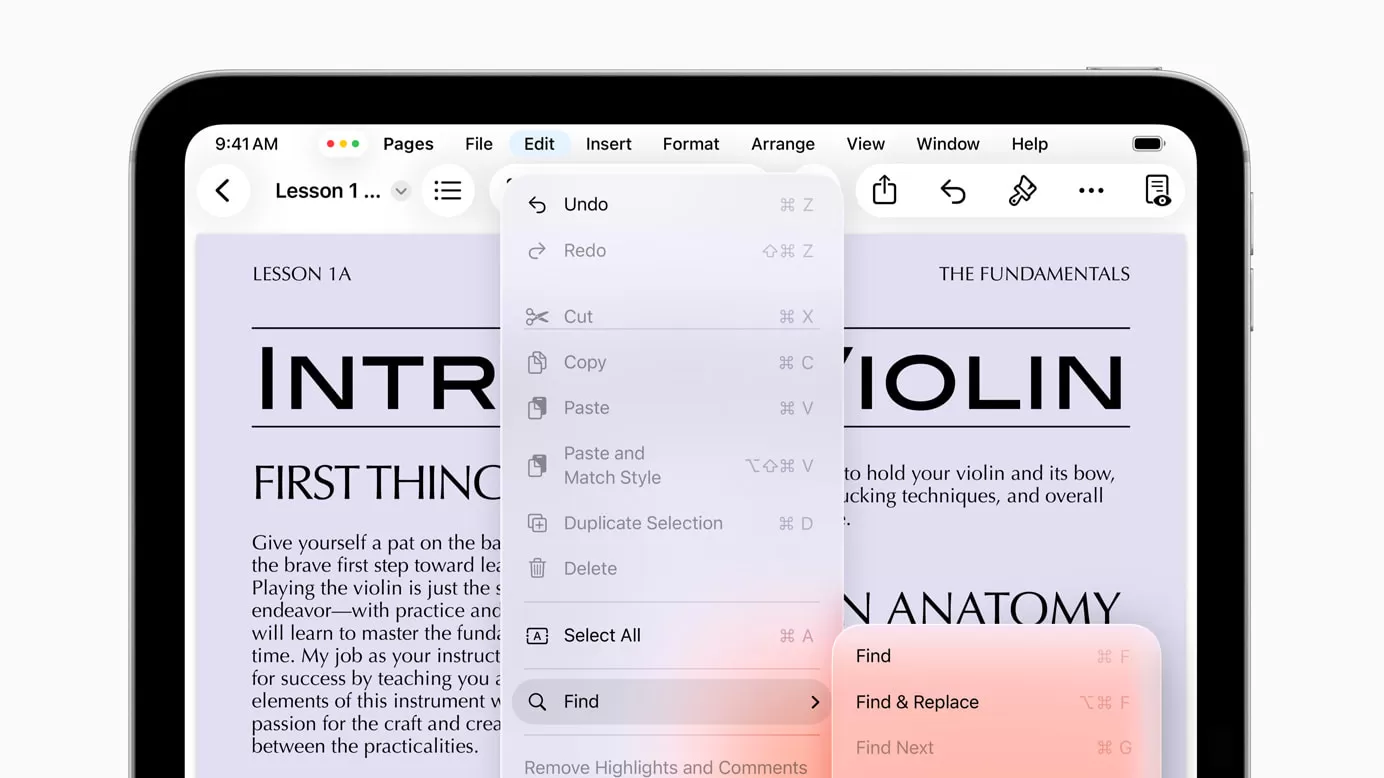 iPad app displaying the new macOS-style menu bar in iPadOS 26 for easier navigation
Smarter File Management
If you work with files and folders frequently, you’ll appreciate the ability to pin folders directly to your dock. This bypasses the need to constantly dig through the Files app, providing quick access to your most important directories.
Under-the-Hood Improvements for Creators
Thanks to the powerful Apple silicon chips inside modern iPads, iPadOS 26 can now handle more demanding tasks in the background. This includes resource-intensive processes like exporting a video. You can kick off an export and continue working on other things, rather than being tied up waiting for it to finish.
For those who work with multimedia, particularly audio and video, there are specific improvements. You can now choose a specific audio input source for any app or website, giving you more control over your sound. Even better, a new local capture feature lets you record your video calls directly from any conferencing app, making it simple to access audio and video files later for notes or archiving.
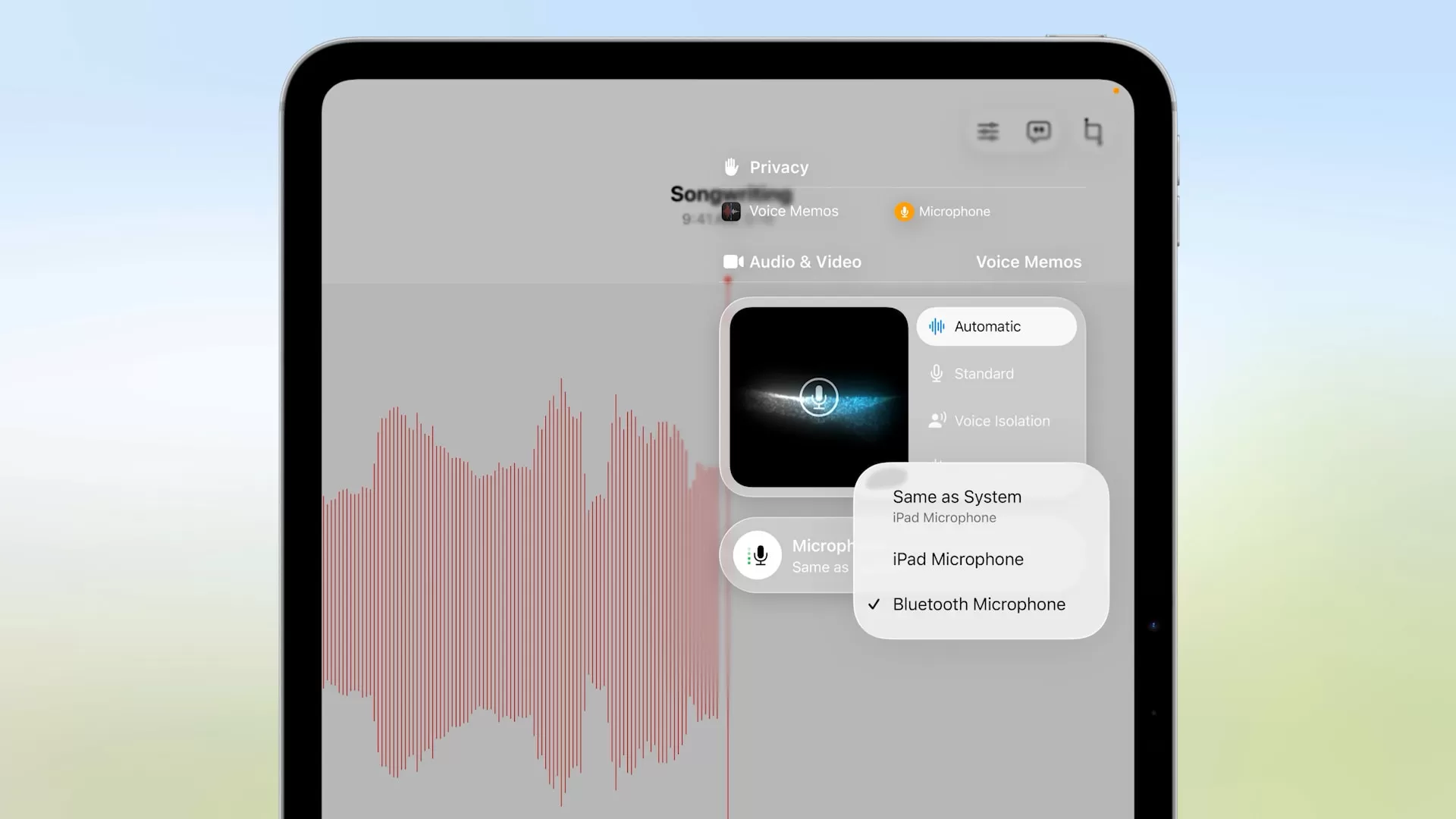 Voice Memos app shown recording on an iPad, illustrating improved audio handling features in iPadOS 26
Why This Matters for Your Daily Grind
While an iPad running iPadOS 26 still won’t perfectly replicate the experience of a MacBook for every single task, this update closes the gap significantly. For many, especially those who are often on the move, the iPad could become a much more viable option for core productivity.
Imagine you’re traveling for work, attending conferences, or commuting. Carrying a heavy laptop might be cumbersome. The ability to bring a much lighter iPad and still handle complex multitasking, manage files easily, edit PDFs, and even perform background tasks like video exports means less strain on your back and a more portable workspace. These quality-of-life improvements, combined with genuinely new capabilities like local video call recording, make the iPad a much more compelling device for anyone who needs to be productive away from a traditional desk setup.
iPadOS 26 represents a pivotal moment for the iPad. By finally addressing long-standing limitations in multitasking and adding essential productivity features, Apple is making a strong case for the iPad as a primary work device for a wider range of users. It’s an update that promises to change how many people think about and use their tablets daily.






















