
If you’ve ever plugged in your phone, expecting a quick top-up from a powerful charger, only to see the charging speed creep along, the culprit might not be your phone or the adapter. It could be the often-overlooked link in the chain: the USB cable itself. As I recently discovered through a bit of testing, even a seemingly good cable can dramatically slow down your fast charging. The surprising truth? Not all USB cables are created equal, and picking the right one can shave precious minutes off your charging time.
Contents
Your Cable Might Be the Bottleneck
We tend to think of charging speed as being all about the power adapter and the phone’s battery technology. While those are key players, the cable connecting them plays a crucial role. Imagine your cable as a tiny pipe carrying water; the wider the pipe, the more water can flow through quickly. A cable works similarly, but instead of water, it’s carrying electricity.
Inside every cable are wires (conductors) that carry the electrical current. These wires have a small amount of resistance, which slows down the flow of electricity and converts some of the power into wasted heat. This power loss means less energy actually reaches your phone’s battery.
Several factors influence how much resistance a cable has and, therefore, how fast it can charge:
- Length: The longer the cable, the longer the wires inside. More wire means more resistance. So, a 6-foot cable will naturally have more resistance than a 3-foot cable made of the same materials.
- Thickness: Thicker wires have lower resistance. Cables designed for very high power (like those for fast-charging laptops or super-fast phone charging) are often noticeably thicker.
- Material and Quality: The type of metal used for the wires (copper is better than aluminum but more expensive) and the overall manufacturing quality affect resistance. A poorly made cable, even if thick, might have higher resistance than expected.
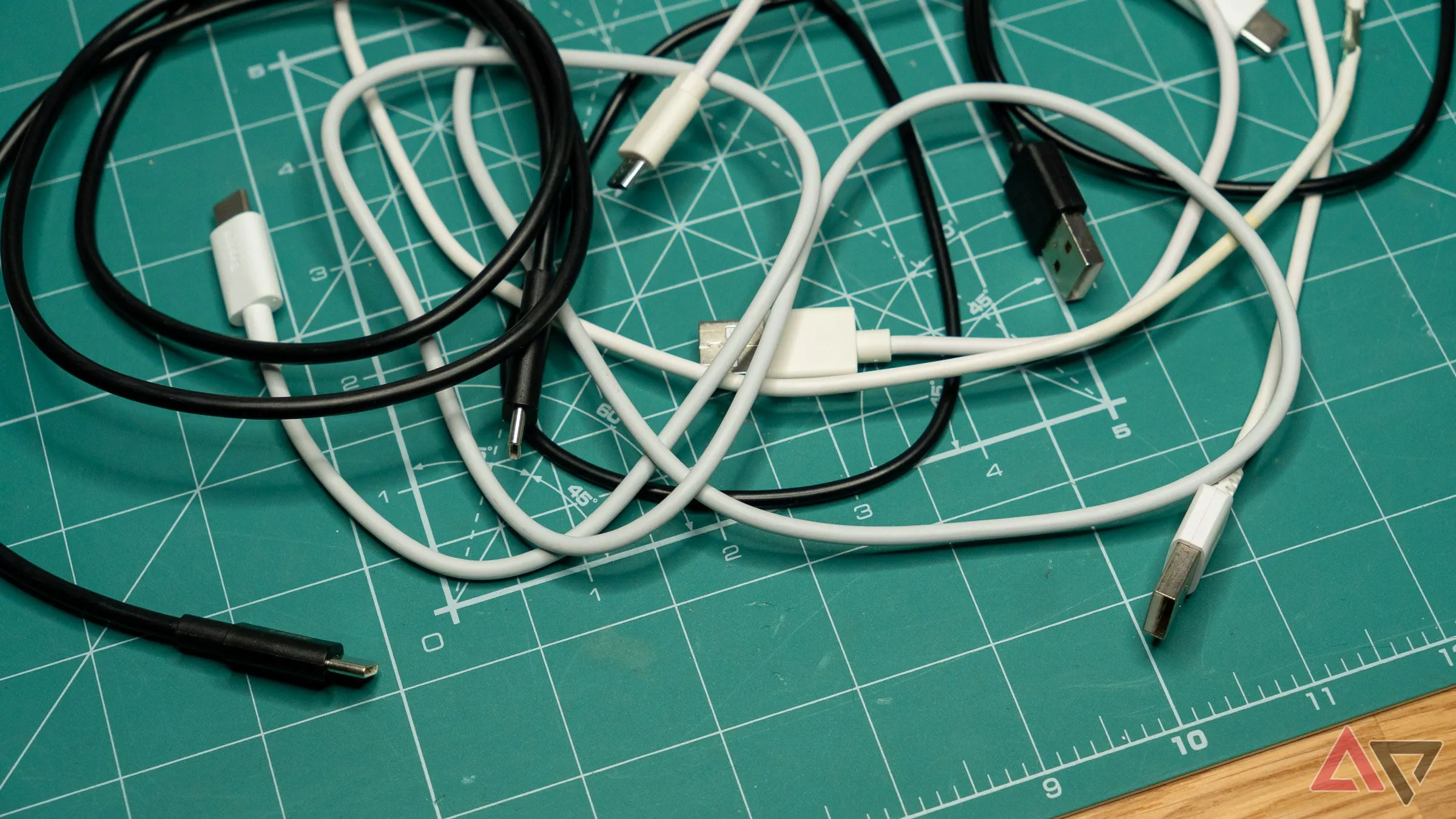 Black and white USB-C and other charging cables scattered on a green mat, illustrating different types of cables.
The tricky part? The standard USB Type-C specifications don’t strictly dictate these internal details like wire thickness or material quality for every single cable type. Manufacturers have some leeway, which is why two cables that look identical and claim the same basic capabilities can perform very differently when it comes to pushing maximum power for fast charging. Finding the best USB-C cables often involves looking beyond just the stated wattage.
My Own Surprise: Testing Cable Speeds
I had a favorite 6-foot USB-C cable from a well-known brand. Its length was super convenient, letting me comfortably use my phone while it was plugged in, and it even charged my laptop. I figured it was a solid cable.
However, I started noticing my phone wasn’t charging as quickly as I expected, even with a capable fast charger. After ruling out the charger and phone settings (learning how to pick the perfect charger for your phone is a good first step), I decided to test the cable.
Swapping Cables Made a Huge Difference
The simple test involved swapping my trusty 6-foot cable for a shorter, 3-foot cable. The results were eye-opening.
Charging my phone (a Galaxy S23 FE, which supports 25W peak charging) from 5% to 100% with the 6-foot cable typically took around 90 minutes.
When I switched to a good quality 3-foot cable (specifically, one that came bundled with a 100W charger I own), the charge time dropped significantly. It took only 75 minutes to go from 5% to 100% – that’s a difference of 15 minutes, or roughly a 16% increase in overall charging speed!
 Chart showing charging percentage vs. time for three different USB cables, highlighting the speed difference.
The difference was even more pronounced during the initial phase of charging, which is usually the fastest. In the first 30 minutes, the longer cable only got my phone from 5% to 36%. The shorter, better-quality cable pushed it from 5% to a much healthier 56% in the same timeframe. This personal test really hammered home why faster charging is more important than a bigger battery for many users.
Why Charging Labels Can Be Misleading
One of the confusing parts about this is that your phone might tell you it’s fast charging, even when the cable is holding back the speed. Both my slower 6-foot cable and the faster 3-foot cable triggered the “Super Fast Charging” indicator on my phone. This indicator just confirms that the setup supports the protocol, not that it’s achieving maximum possible speed.
Similarly, many cables have wattage ratings printed on them (like “100W”). This indicates the maximum power the cable is rated to handle, but it doesn’t tell you how efficiently it carries that power, or how much is lost due to resistance.
It would be far more helpful if phones or chargers displayed the actual charging rate in watts, similar to what some brands do. Vague labels aren’t enough to help users understand if their charging setup is performing optimally. Perhaps this is an area where companies like Samsung and Google could improve, especially considering how some Pixel phones have faced criticism for their charging speed problems that need fixing ASAP.
 A smartphone screen displays a fast charging icon, plugged in with a USB cable, demonstrating a potentially misleading indicator.
The Takeaway: Choose Your Cable Wisely
Think of your charging setup as a chain, with the power adapter, the cable, and the phone itself as links. The charging speed is ultimately limited by the weakest link. Often, that weakest link is the cable – it’s more important than many people realize.
If you find your phone is charging frustratingly slowly, don’t immediately blame the device or assume you have a fake charger. Before buying new hardware, try swapping out your cable, especially if you’re using a long or old one. You might be surprised by the difference a simple cable change can make.
Of course, wired charging isn’t the only option. Wireless chargers offer convenience, even if they’re generally slower. It’s a shame that standards like Qi2 wireless charging aren’t gaining the momentum we’d hoped to make wireless faster and more efficient across the board. But for maximum speed, a quality wired connection is still king, and that means paying attention to the cable.
 Closeup view of a modern smartphone being charged via a USB-C cable on a yellow background.
The next time you’re troubleshooting slow charging or buying a new cable, remember that length, thickness, and quality matter. A slightly more expensive, well-regarded cable can be a worthwhile investment for unlocking the full potential of your phone and charger.






















