
For years, Android users have looked enviously at how easily Apple devices share things like internet connections across an ecosystem. The best example? Instant Hotspot, where your other Apple devices just automatically see and connect to your phone’s internet without you having to manually set anything up.
Contents
Good news! Android actually gained a very similar feature last year, hidden away in a menu called “Cross-device services.” But honestly, finding and enabling it was a bit of a treasure hunt for most people. Now, that’s changing. Google is finally making this super useful instant hotspot feature enabled by default when you set up a new Android phone, meaning this convenience is about to become way more common.
What Are Android’s Cross-device Services?
Think of Cross-device services as Google’s way of making your Android devices play together more smoothly. It’s a framework that allows features like instantly casting phone calls to another device or, crucially, sharing your mobile data connection seamlessly between phones or tablets linked to the same Google account.
Before this change, you had to manually dive deep into your phone’s settings to turn these services on. The path was often buried several layers down: Settings > Google > All services > Cross-device services, and then through a setup flow. It wasn’t intuitive, which is why many users, even tech-savvy ones, didn’t know it existed.
 Screenshot showing the complicated menu path to find Android cross-device services settings.
Setting Up a New Phone Gets More Convenient
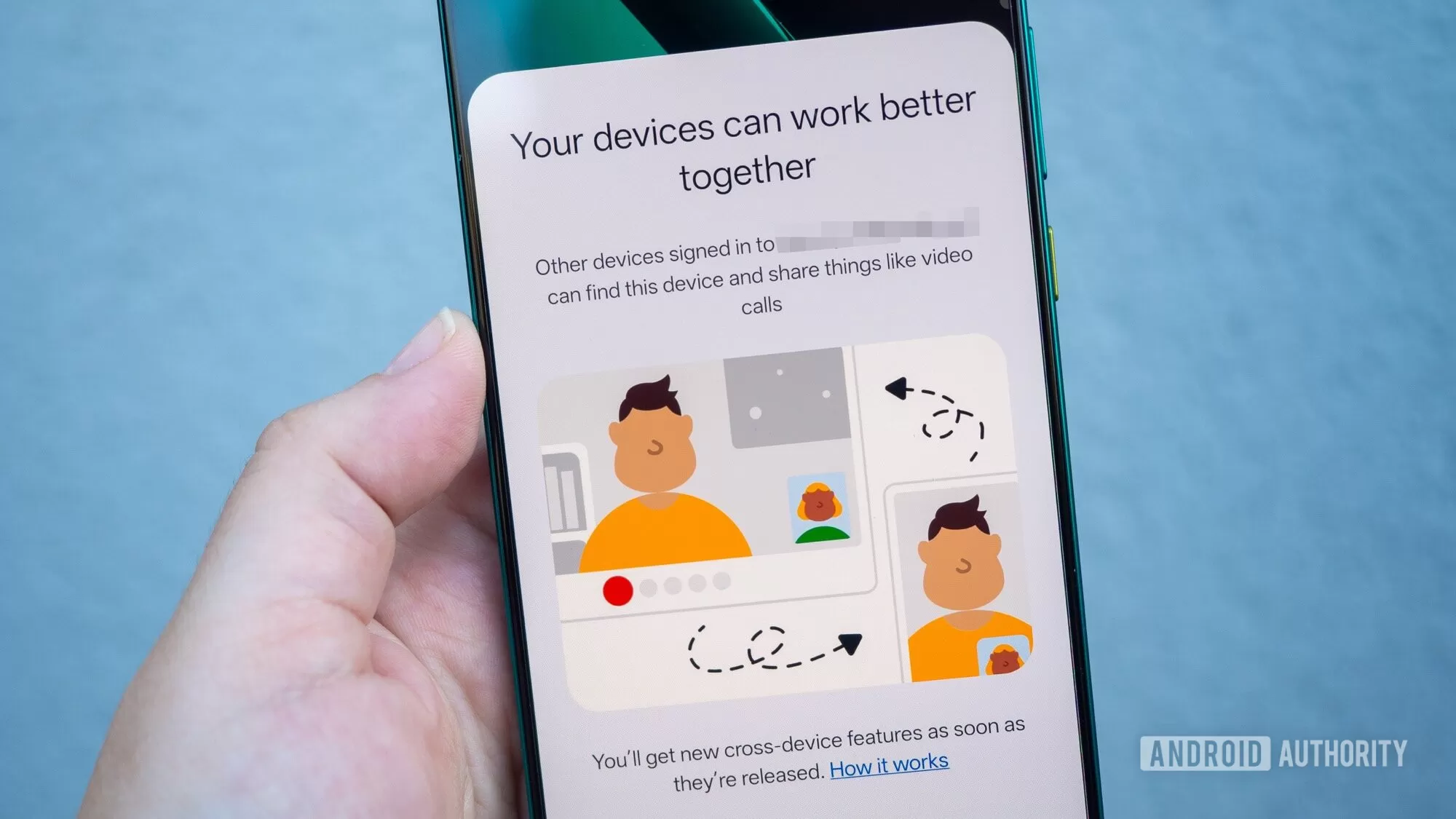
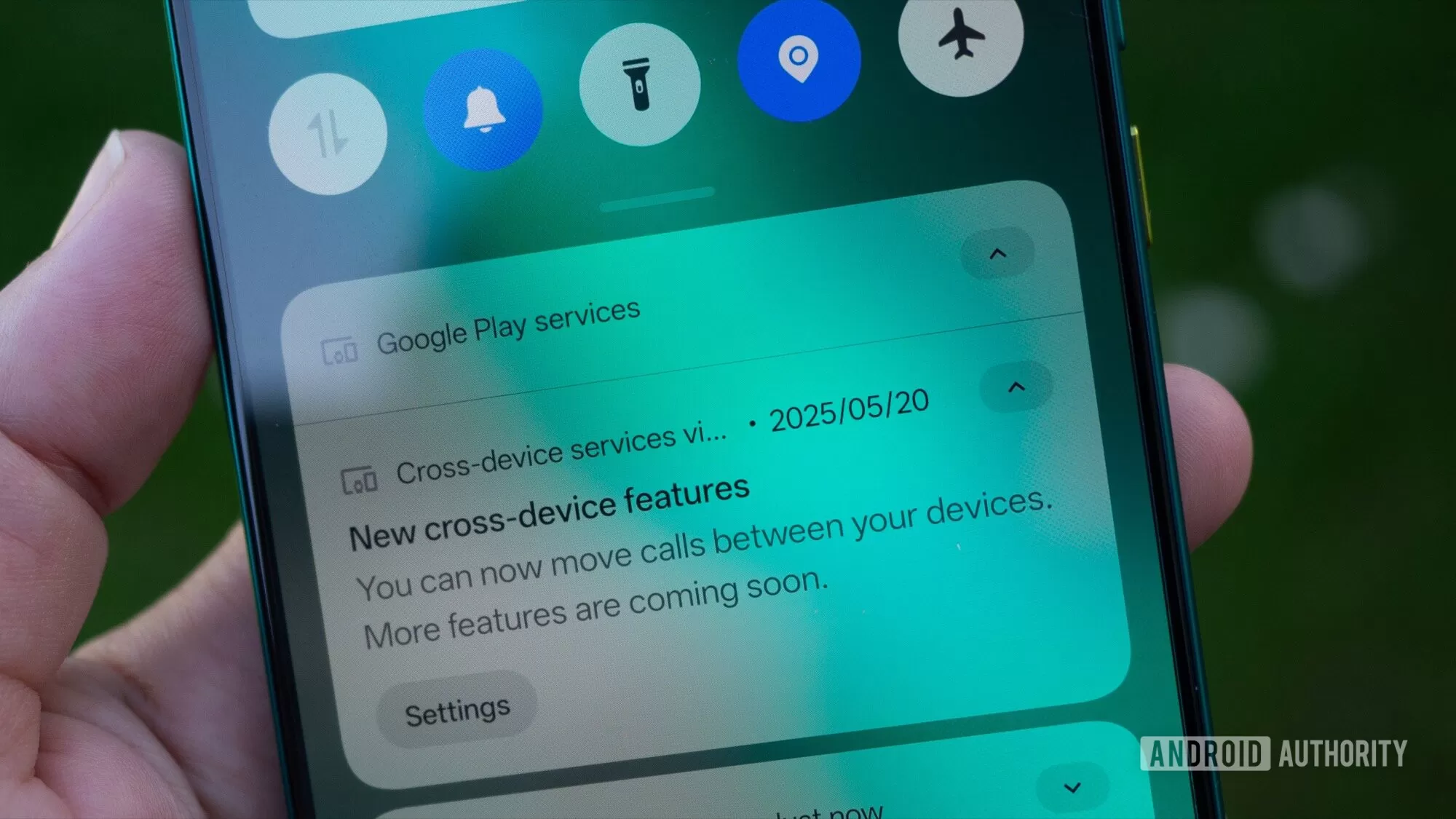
The big shift is that when you activate a brand new Android phone and sign in with your Google account, Cross-device services are now being turned on automatically. You might even get a notification on your other Android devices (like your main phone or tablet) letting you know the new device can now share things like video calls.
While Google’s notification might not explicitly mention “instant hotspot,” diving into the Cross-device services menu on the new phone will show that features like call casting and instant hotspot are already toggled on. This removes the barrier of having to discover and enable these features manually through that hidden settings path.
This means features that were previously obscure and opt-in are graduating to being standard features right out of the box for new devices.
How the Instant Hotspot Works in Real Life
Let’s say you have your main phone with a data plan and a secondary tablet or phone that relies on Wi-Fi. When you leave your home or office Wi-Fi, your secondary device might typically lose internet access unless you manually turn on a hotspot on your main phone and connect to it.
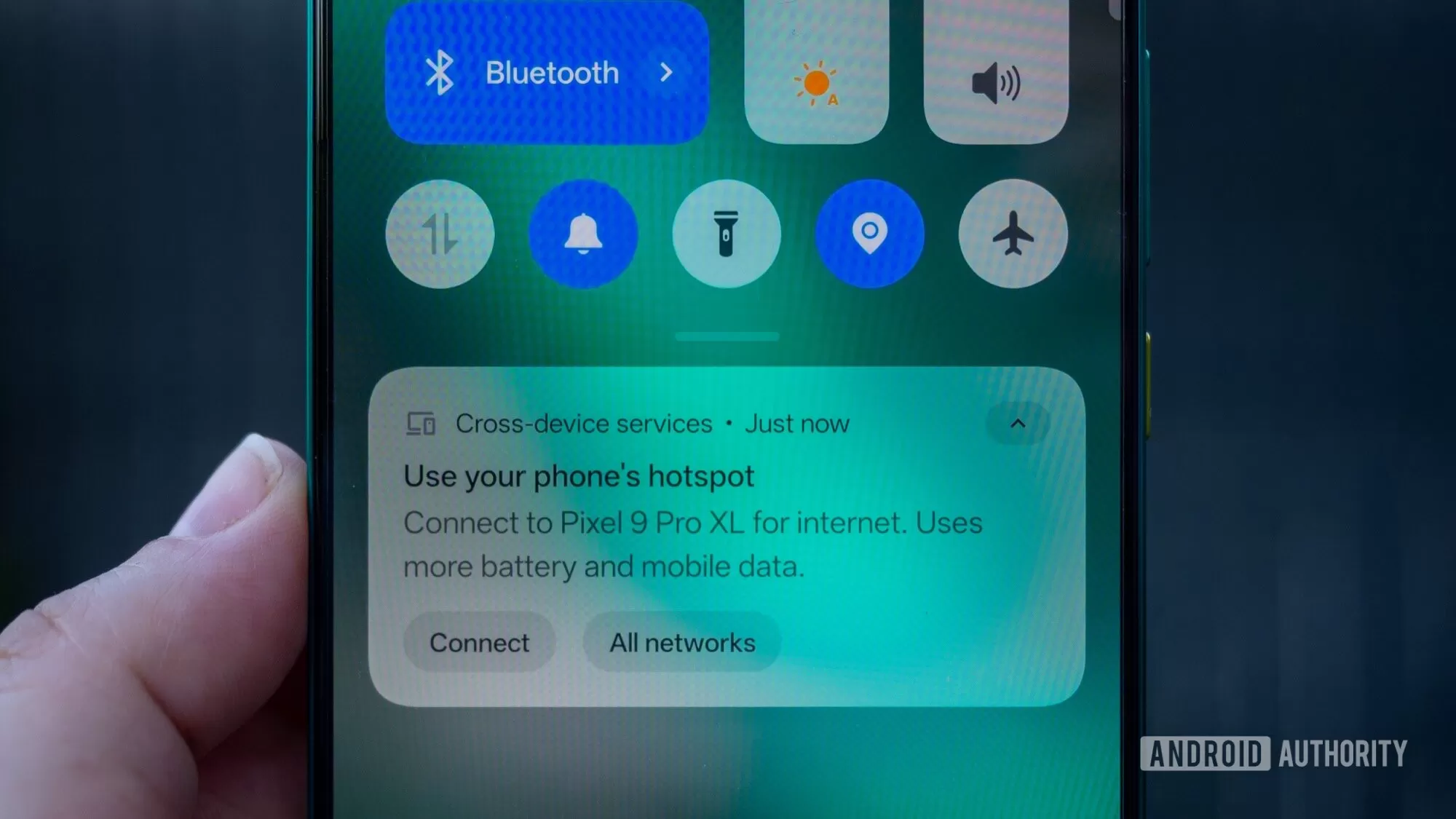
With the instant hotspot feature enabled (now by default on new phones), when your secondary device needs internet and is near your primary phone, a pop-up notification will appear, often saying something like “Use your phone’s hotspot.”
 Pop-up notification on an Android device offering to use a nearby phone's instant hotspot.
Tapping this notification instantly activates the hotspot on your primary phone and connects your secondary device, all without needing passwords or manual setup. It’s a smooth, near-instant process that makes using a secondary device without its own data plan much more practical on the go. This works seamlessly as long as both devices are signed into the same Google account and are close to each other.
 Visualizing devices sharing data or connected via Android cross-device services.
What to Keep in Mind
While this default setting for instant hotspot is a great step forward, there are a couple of things to note:
- Primary Device Matters: For the instant hotspot to work, your primary device (the one sharing data) also needs to have Cross-device services enabled. If you set up your main phone before this change rolled out as default, you might still need to enable it manually on that device for the seamless connection to work with a new secondary device. The default-on setting primarily benefits the new device being set up.
- Software Version: The auto-enrollment likely depends on the version of Google Play Services the new phone ships with. Older phones might not have a version that enables this by default, even if you update them later. This feature becoming default will gradually apply as more phones ship with the necessary software version.
- Find My Device Network is Separate: You might see mentions of devices being able to “find” each other within Cross-device services. However, this doesn’t mean your phone is automatically enrolled in the Find My Device Network (the one that helps locate offline devices using other Android phones). The Find My Device Network still requires you to explicitly opt-in, likely due to privacy considerations. The “find” mention here seems to relate to standard location features rather than the crowd-sourced network.
 Android settings screen for cross-device services, showing options like call casting and instant hotspot.
A Big Win for Android Convenience
Having the instant hotspot feature enabled by default is a significant usability improvement for Android. It removes a hidden barrier to a truly seamless experience between your devices, bringing Android closer to the effortless integration seen in other ecosystems. While not every cross-device feature is enabled automatically, making the instant hotspot easy to access is a practical change that many users will appreciate, whether they realize the underlying technology or not. It just makes using their secondary devices much more convenient.






















