
Meet the BOOX Palma 2, a tiny e-reader that feels like a phone but gives you a week of battery life on an eye-friendly e-ink screen. It runs full Android, meaning you get way more than just books – think all your favorite reading apps, browsing, and more, all packed into something you can actually fit in your pocket. This device isn’t just a reading gadget; it’s a versatile tool that might just change how you interact with digital content on the go, moving beyond the limitations of traditional e-readers like the Kindle.
Contents
Here’s the scoop on why the Palma 2 stands out: its super portable size, the freedom of full Android with the Google Play Store, and surprisingly good battery life for a device this capable.
Why a “Phone-Sized” E-Reader Changes Everything
I’ve always loved reading, and for years, a Kindle was my go-to. It’s great for battery life and reading outdoors, but let’s be honest, most e-readers are sized like small tablets. For someone who doesn’t carry a bag everywhere, this means they stay home. My Kindle Paperwhite 2021, as good as it is with its great screen, waterproofing, and decent speed, often sat unused simply because of its size. Anything that doesn’t slip easily into a pocket is less likely to join me on the couch, on a walk, or during commutes.
The BOOX Palma 2 completely flips this script. Measuring just 159mm x 80mm and weighing a mere 170g, it’s dramatically smaller and lighter than a Kindle Paperwhite (174mm x 125mm, 205g). That difference in width is key – it makes the Palma 2 genuinely comfortable for one-handed use, even while standing or walking. My Kindle required two hands and usually meant I had to sit down to read comfortably.
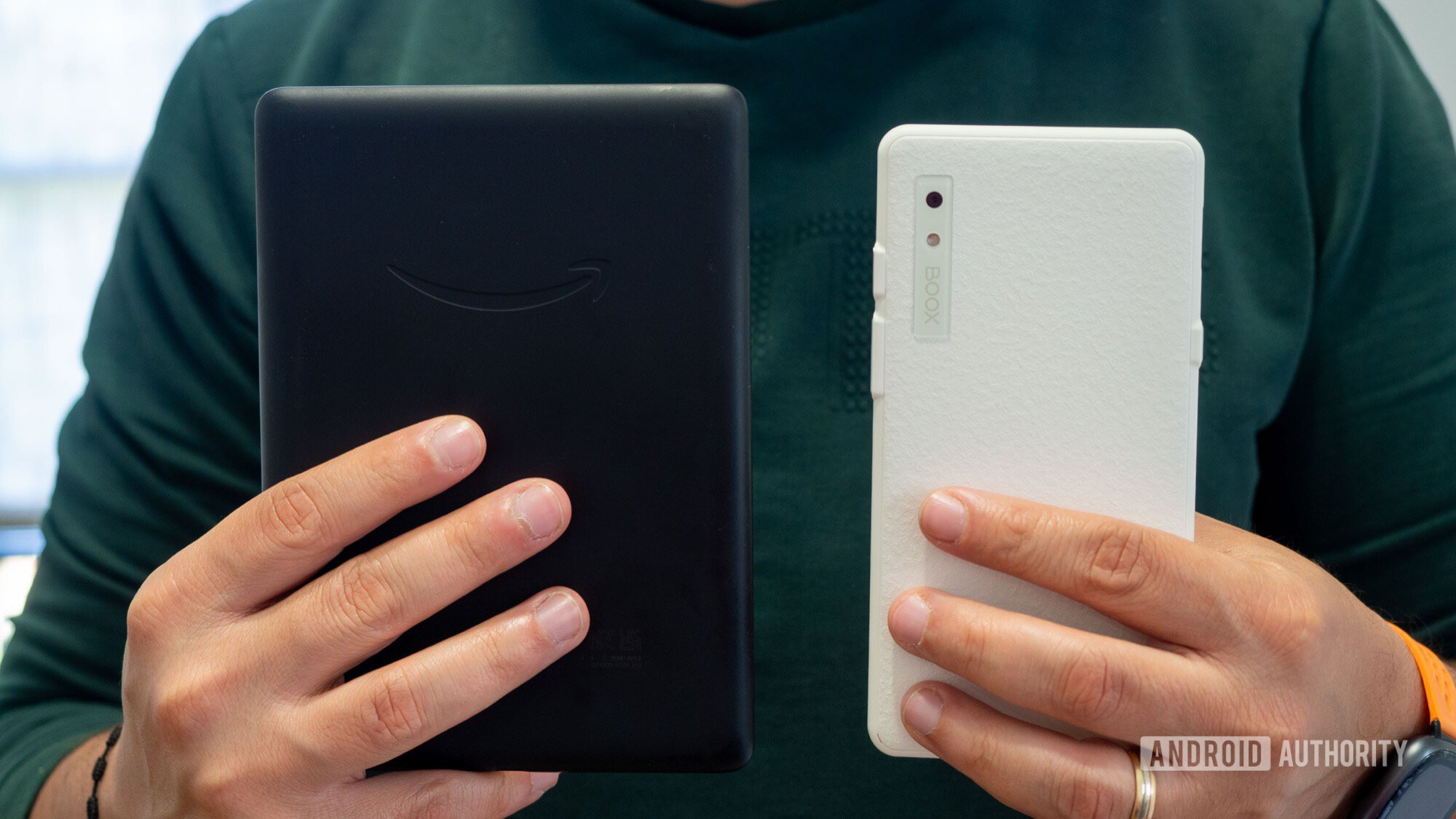 boox palma 2 vs kindle paperwhite 2021 back in hand
Because of its compact size, the Palma 2 doesn’t just live on my nightstand. It’s constantly in my pocket, moving with me around the house. It’s been on different floors, out on the terrace, and even accompanied me on subway rides. Packing for a recent trip to Budapest, I just tossed it in my pocket – no need to dig through a backpack before take-off or after landing. This effortless portability is a major win.
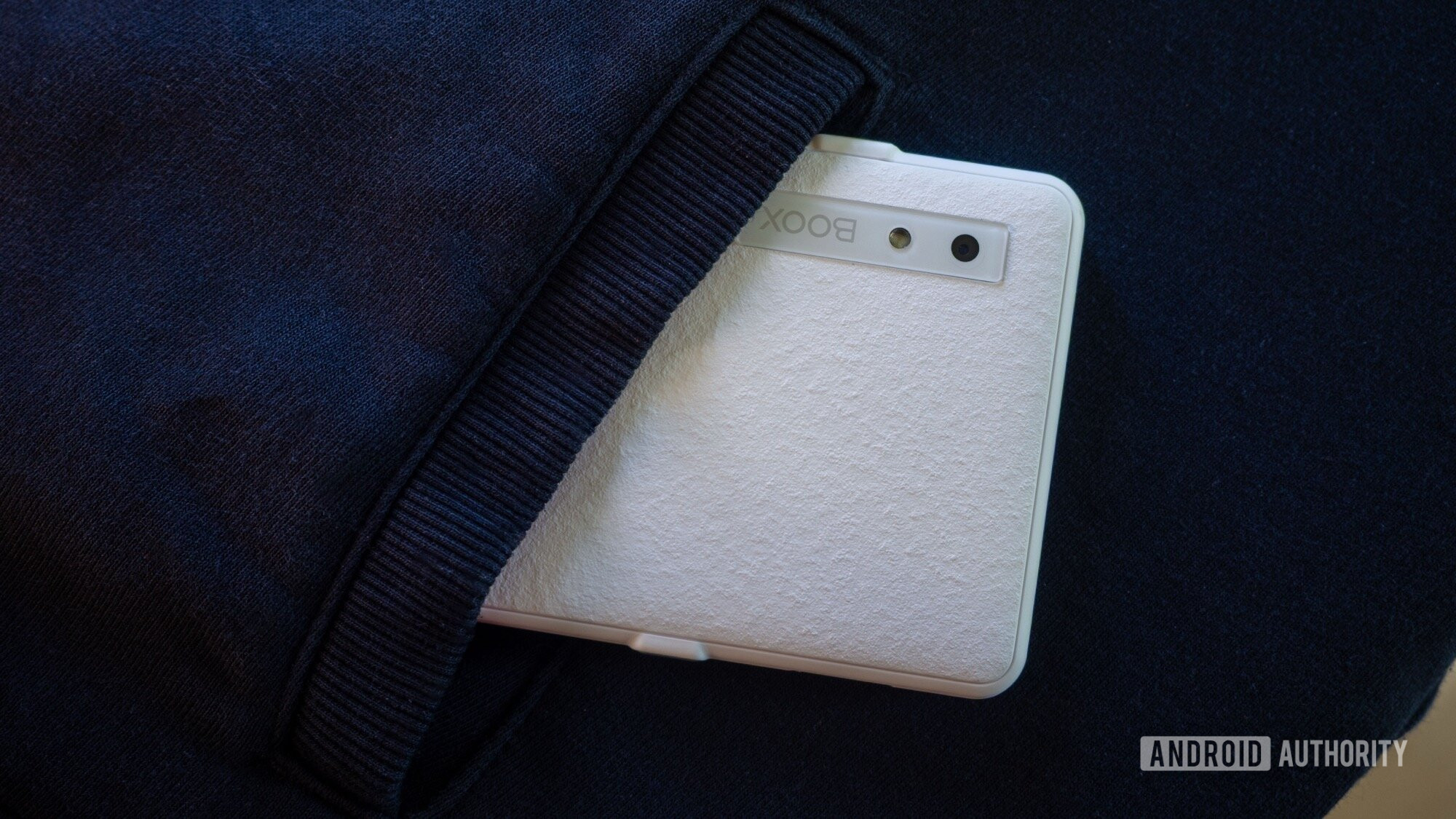 boox palma 2 inside hoodie pocket
Plus, for those with wrist strain issues like Carpal Tunnel, the smaller and lighter design makes long reading sessions much more comfortable. Switching back to a Kindle now feels cumbersome and less user-friendly.
The screen itself is excellent, too. The 300ppi HD e-ink display is crisp and easy to read in bright sunlight or with its built-in front light in the dark. BOOX’s software offers extensive customization – you can tweak everything from brightness and warmth to contrast, refresh rate, and even how apps behave on the e-ink screen. This level of control is something Amazon’s Kindle software simply doesn’t offer.
The build quality also feels surprisingly sturdy. It has a textured back that adds grip and doesn’t show scratches easily, and the anti-reflective glass display feels durable – a welcome change from today’s ultra-fragile glass phones. While it’s not officially ruggedized, it feels like it can handle being carried around without a case.
Beyond Reading: Full Android Means Limitless Possibilities
My Kindle Paperwhite is a dedicated reading device – open a book, read, close it. While it has a web browser, it’s practically unusable. I’ve long wanted an e-reader with the power of Android (I even experimented with the HUAWEI MatePad Paper), and the BOOX Palma 2 finally delivers. It runs Android 13 with full Google Play Store access, essentially turning it into a small, screen-optimized Android device without the phone connectivity.
 boox palma 2 apps configuration
Knowing that trying to use an e-ink screen like a regular smartphone isn’t ideal, I set up the Palma 2 as a super-powered e-reader (“Kindle+”). While BOOX has its own software, the real magic is the Play Store. I installed the Kindle app to access my existing library, Google Play Books for other ebooks and PDFs, Chrome for browsing (finally, a usable browser on e-ink!), my favorite writing app JotterPad, and even Home Assistant to see how a smart home dashboard looks on e-ink.
Having access to a web browser, a writing app, and multiple ebook apps on an e-ink display is a significant step up from just being able to read books from one store. The ability to install almost any Android app means this device can adapt to my needs. While I’ve intentionally kept distracting apps like email, social media, and messaging off the device to maintain focus, I could install Spotify, Audible, note-taking apps, or cloud storage apps if needed. Plus, there’s a microSD card slot for easily loading content.
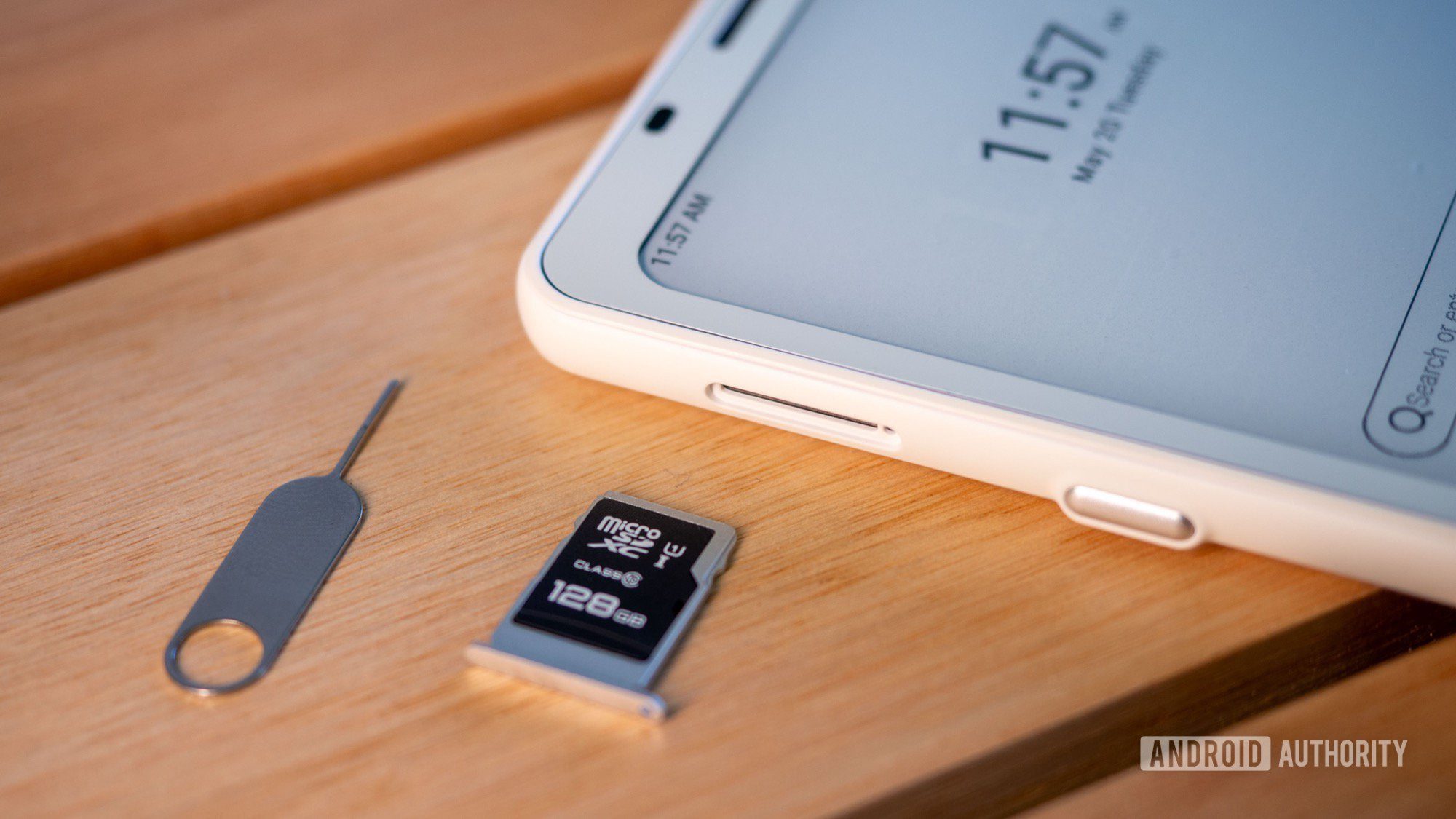 boox palma 2 microsd slot
Now, let’s be realistic. The experience isn’t exactly like using a Pixel 9 Pro XL. With only 6GB of RAM, opening many apps can cause slowdowns, though clearing memory usually fixes this. The e-ink display, even on its fastest setting, isn’t as smooth or vibrant as a modern AMOLED screen – and it’s black and white.
But this is part of the appeal. The Palma 2 encourages a slower, more focused experience. It helps cut through the digital noise. Writing on it feels less distracting than on a phone. And while the display is black and white, it’s perfect for catching up on text-based news articles or reading longform content without the fatigue bright, colorful screens can cause.
BOOX’s software adds helpful features to improve the app experience. You can optimize display settings, control side button functions (like page turns or scrolling), and manage background activity for each app individually. For instance, you can increase the display scaling (DPI) for apps like Kindle if you need larger fonts than the app itself allows, making text easier on the eyes.
The customizable side buttons are incredibly useful. I set mine to quickly access the app switcher, open the Kindle app, or return home. This minimizes the need to rely on touch gestures, which can feel a bit slow on e-ink, improving overall navigation speed.
What About Battery Life? (It’s Not a Kindle, But Still Great)
If you’re expecting the month-long battery life of a basic Kindle, you’ll need to adjust your expectations. The BOOX Palma 2 won’t last for weeks on end in continuous use, but it’s easily a multi-day device – think a week, not a month.
Android is a more demanding operating system than the simple software on Kindles, consuming more power even when idle. While my Kindle could sit for a month or two and still have charge, the Palma 2 lasts closer to ten days on standby. With active reading and use (around three hours daily), that drops to about five or six days. For my six-day trip, it lasted the whole time without needing a charge until I got home.
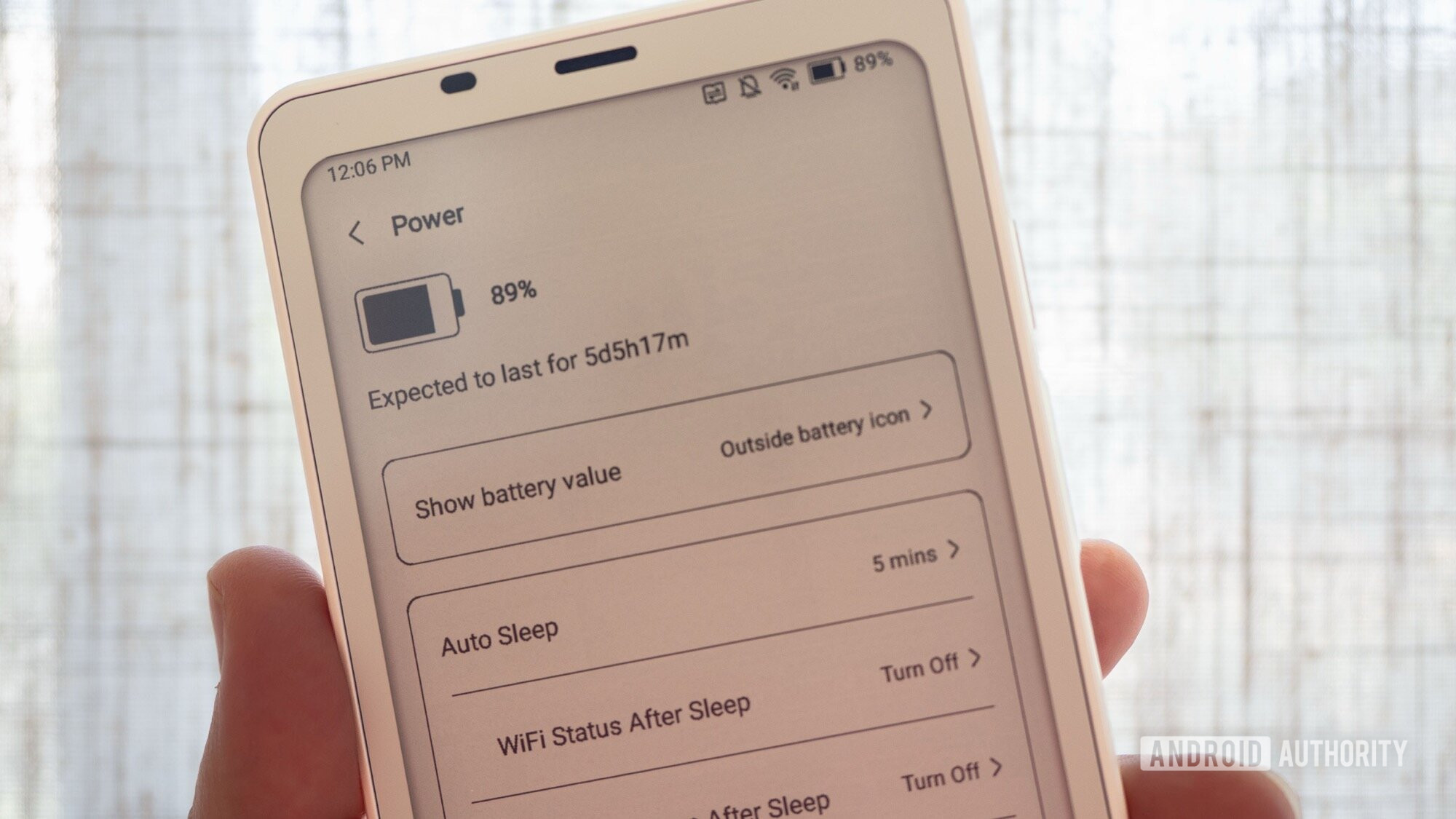 boox palma 2 battery
In my opinion, this trade-off is more than worth it. Having the flexibility of full Android and access to all my apps, while only needing to charge about once a week, is a huge benefit compared to the limitations of a traditional e-reader. It lets me read outdoors comfortably, write for hours without draining my phone’s battery, and access articles or documents without needing my main device.
Where the Palma 2 Could Be Even Better
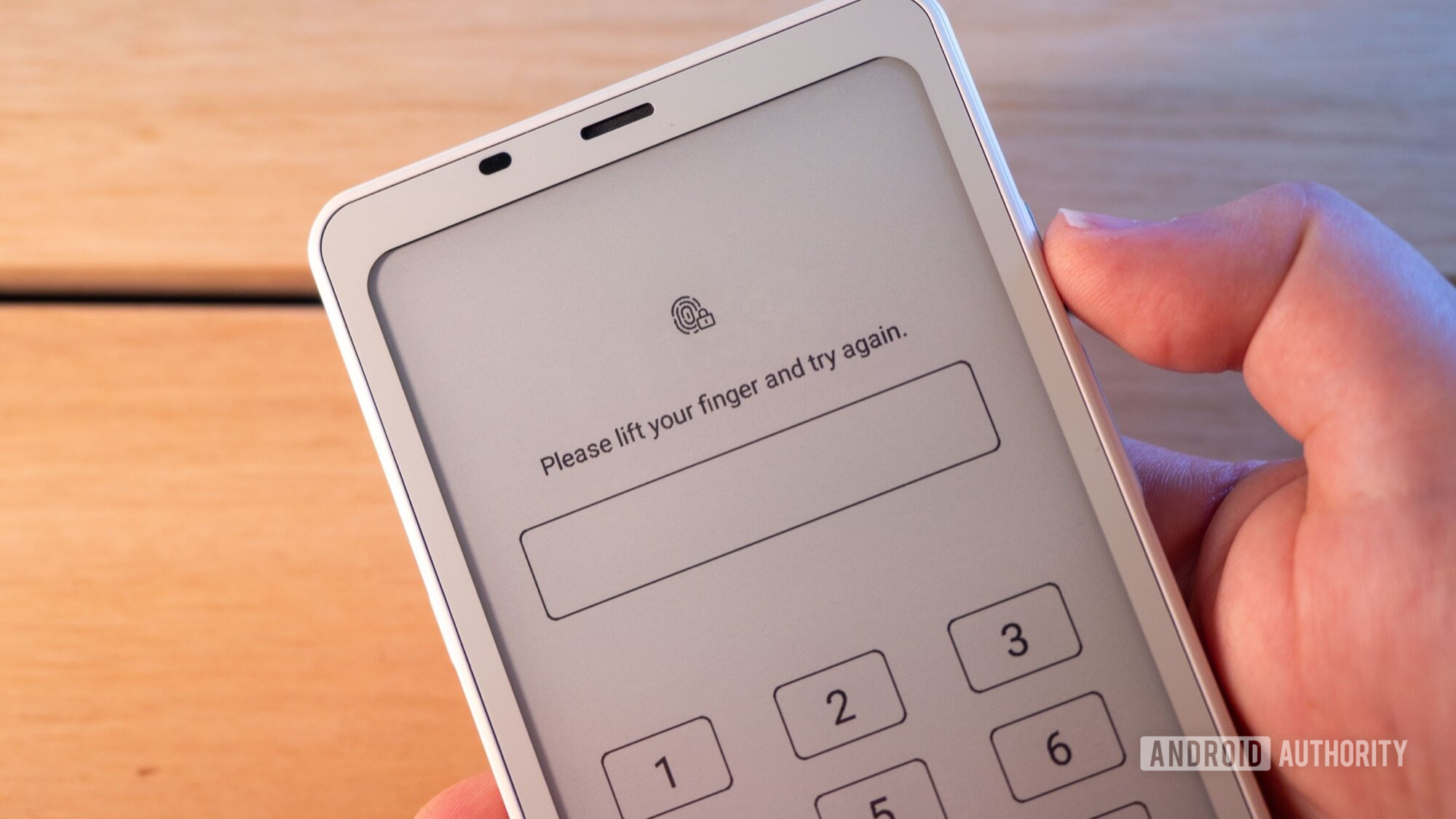
No device is perfect, and there are a couple of areas where the Palma 2 could improve. The fingerprint sensor, located on the side button, is quite unreliable. It often fails to recognize my print, forcing me to type in my PIN – and I’ve used devices known for finicky sensors!
 boox palma 2 fingerprint sensor
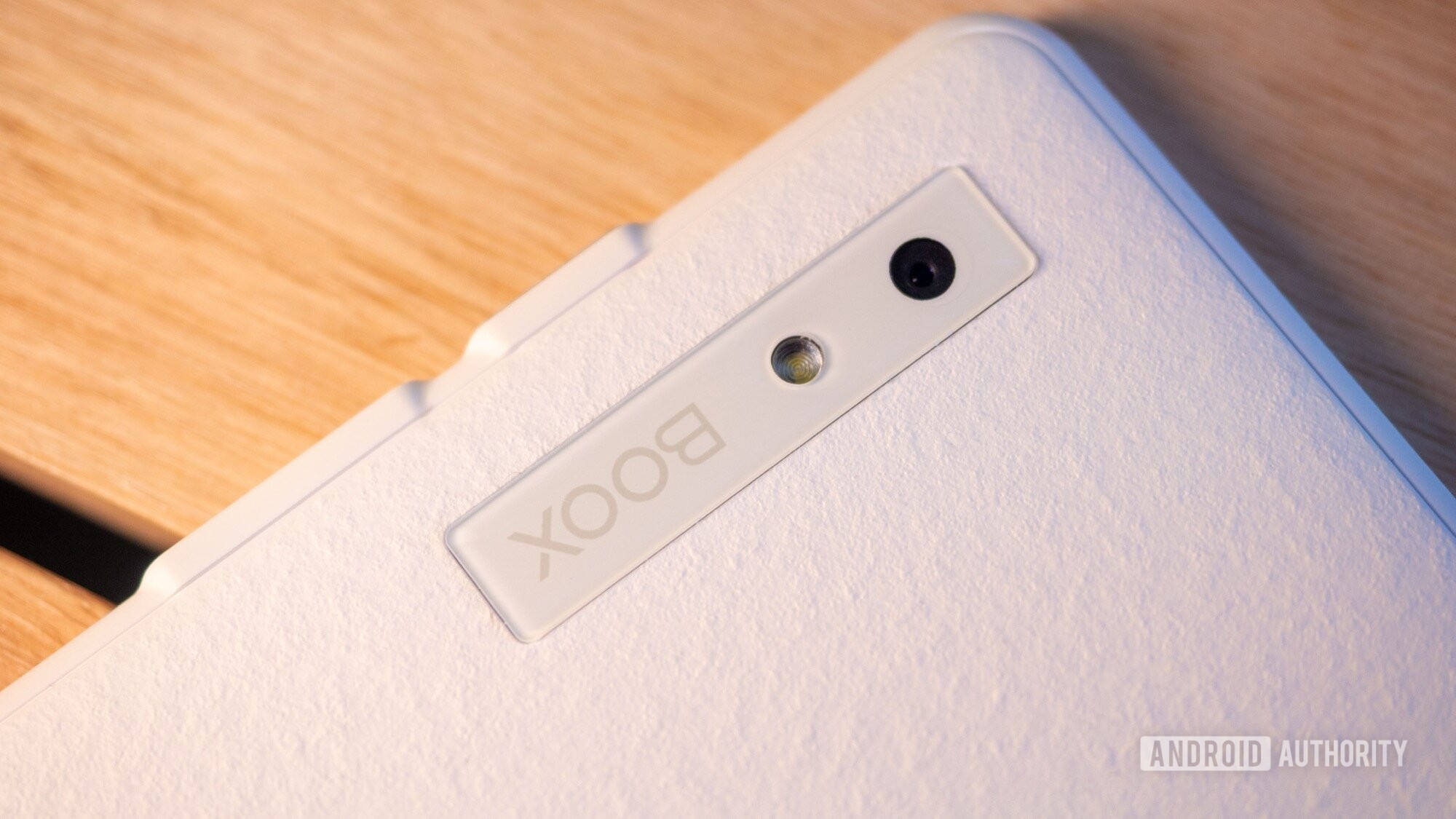
I’m also not convinced the built-in camera is necessary. While it’s there, seeing the black-and-white preview on the e-ink screen makes the experience clunky. I’d personally trade the camera module for a better fingerprint sensor or more RAM, which would help with multitasking on Android.
 boox palma 2 camera logo
Finally, I wish the customizable side buttons for page turns worked consistently across all apps. I couldn’t get them to function in the Kindle app, for example, despite tweaking settings.
Naturally, future versions could benefit from a faster processor, a more responsive e-ink panel, more RAM, and a bigger battery, but that’s true for most tech. As it stands, the BOOX Palma 2 is an exceptional device. Its portability, combined with the power and versatility of Android, makes it my new favorite gadget for reading and light productivity on the go. It’s the book – and then some – that’s always right there with me.
Looking for alternatives or want to dive deeper into e-ink tech? Check out our guide to the best e-ink tablets or explore more Reviews of the latest gadgets.






















