
Undervolting has become hugely popular for PC builders and users lately, and there’s a good reason why. As AMD and Intel push their CPUs and GPUs for peak performance right out of the box, there’s often less room for traditional overclocking thrills. Instead, many people are turning to undervolting to make their hardware run more efficiently, hoping to lower temperatures and potentially even boost performance.
Contents
However, undervolting can seem a bit confusing, and there are definitely some common misunderstandings floating around. This article will clear up four big myths about undervolting your CPU and GPU, explaining what it is, what it does, and why it might be a smart move for your computer.
 AMD Ryzen 7 7800X3D CPU installed on a computer motherboard
Myth #1: Undervolting is Just the Opposite of Overclocking
Let’s tackle this one first. While undervolting and overclocking both involve tweaking your processor’s settings, they aren’t simply opposite actions. Think of them more like related techniques with different goals.
Overclocking aims to make your CPU or GPU run faster than its factory speed by increasing the frequency (clock speed) and often requires more voltage to remain stable at those higher speeds.
Undervolting, on the other hand, focuses on feeding your processor less voltage while keeping it stable at its existing or intended frequency. For example, if your CPU runs at 5.1GHz using 1.3 volts by default, undervolting might allow it to run at the same 5.1GHz using only 1.25 volts. The goal isn’t higher speed (though that can be a side effect, as we’ll see), but better efficiency.
It’s easy to mix up undervolting with things like underclocking (reducing speed) or power limiting (capping the total power consumption), especially since features like AMD’s Precision Boost Overdrive (PBO) let you combine these tweaks. But strictly speaking, undervolting is just about the voltage-to-frequency relationship. Understanding this distinction is key to grasping what undervolting actually accomplishes.
Myth #2: Undervolting Will Lower Your Performance
This is a common fear, but undervolting by itself shouldn’t reduce your performance. In fact, it can sometimes even improve it, especially with modern processors!
As we just discussed, undervolting means using less voltage for a specific speed. Less voltage means less power consumed, and less power means less heat generated. Modern CPUs and GPUs are designed to boost their clock speeds automatically as long as they have thermal and power headroom. If undervolting reduces heat, it can prevent the chip from hitting temperature limits, allowing it to maintain higher boost frequencies for longer periods. This can lead to better sustained performance, not worse.
So why the myth? Because undervolting is often combined with power limiting. Power limiting does cap how much power (and thus potentially how much performance) your chip can use. This combination is excellent for efficiency, perfect for smaller PCs or gaming rigs where maximum raw CPU speed isn’t the only goal. When people see performance drop after undervolting and power limiting, they blame undervolting alone. But undervolting on its own aims for the same performance with better efficiency, or potentially slightly higher performance due to thermal improvements.
Myth #3: Undervolting is Something You Can Only Do With a CPU
While CPU undervolting gets a lot of attention, it’s definitely possible and sometimes very beneficial to undervolt your graphics card (GPU) as well.
It’s true that not all modern GPUs have a lot to gain from undervolting out of the box compared to some past generations, but tweaking tools like MSI Afterburner or ASUS GPUTweak III allow you to adjust the voltage-frequency curve on most cards.
Some specific GPU series, like Nvidia’s RTX 30 series, were known for having relatively high stock voltages. For these cards, undervolting can be particularly effective. By reducing the voltage needed for a certain clock speed, you lower temperatures and power draw, which can help the GPU boost higher and more consistently than it would at stock settings. So, if you’re looking to optimize your system’s efficiency and heat output, don’t forget about your graphics card.
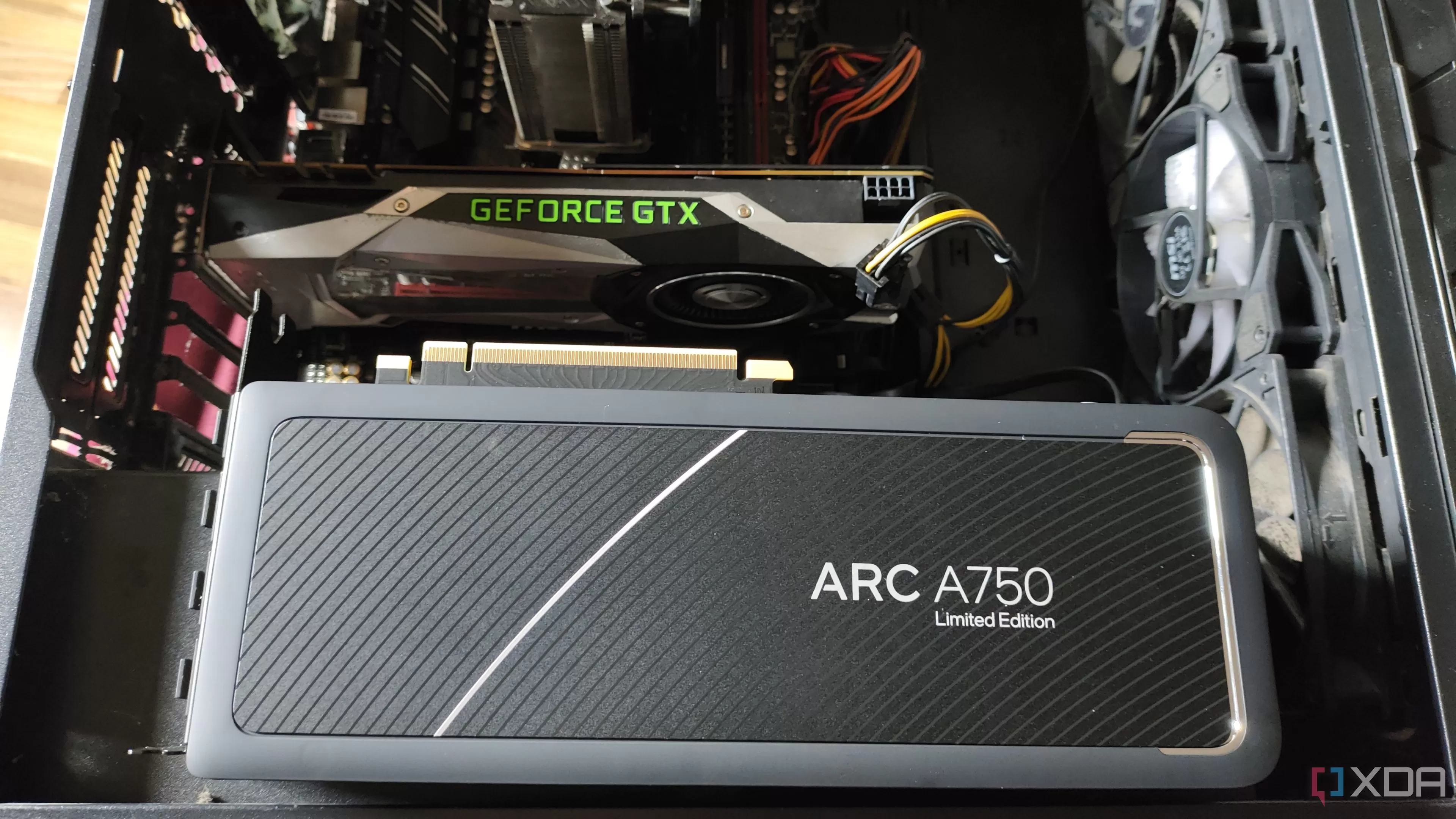 Intel Arc A750 graphics card resting next to a case containing an Nvidia GTX 1080 GPU
Myth #4: Undervolting Settings Are the Same Across All CPUs (Even the Same Model)
This isn’t so much a myth as a crucial point that many newcomers miss: there’s no one-size-fits-all undervolting setting, even for processors of the exact same model.
Just like with overclocking, undervolting capability comes down to the “silicon lottery.” Every individual CPU or GPU chip coming off the manufacturing line is slightly different. Some chips are simply capable of running stably at lower voltages (or higher speeds) than others.
You’ll find plenty of articles, forum posts, and videos suggesting “best” undervolting settings for a specific CPU model, like a Ryzen 7 7800X3D or Intel Core i7-13700K. These are excellent starting points and can give you a good idea of what might be possible. However, you can’t just copy these settings and expect them to be perfectly stable on your specific chip. Your chip might be able to undervolt even further, or it might be less tolerant and require a slightly higher voltage for stability.
The process involves testing different voltage offsets and ensuring stability under load. Doing some research to find common settings for your hardware is wise, but always treat them as a guideline, not a guaranteed outcome. Your own testing is necessary to find the sweet spot for your particular piece of silicon.
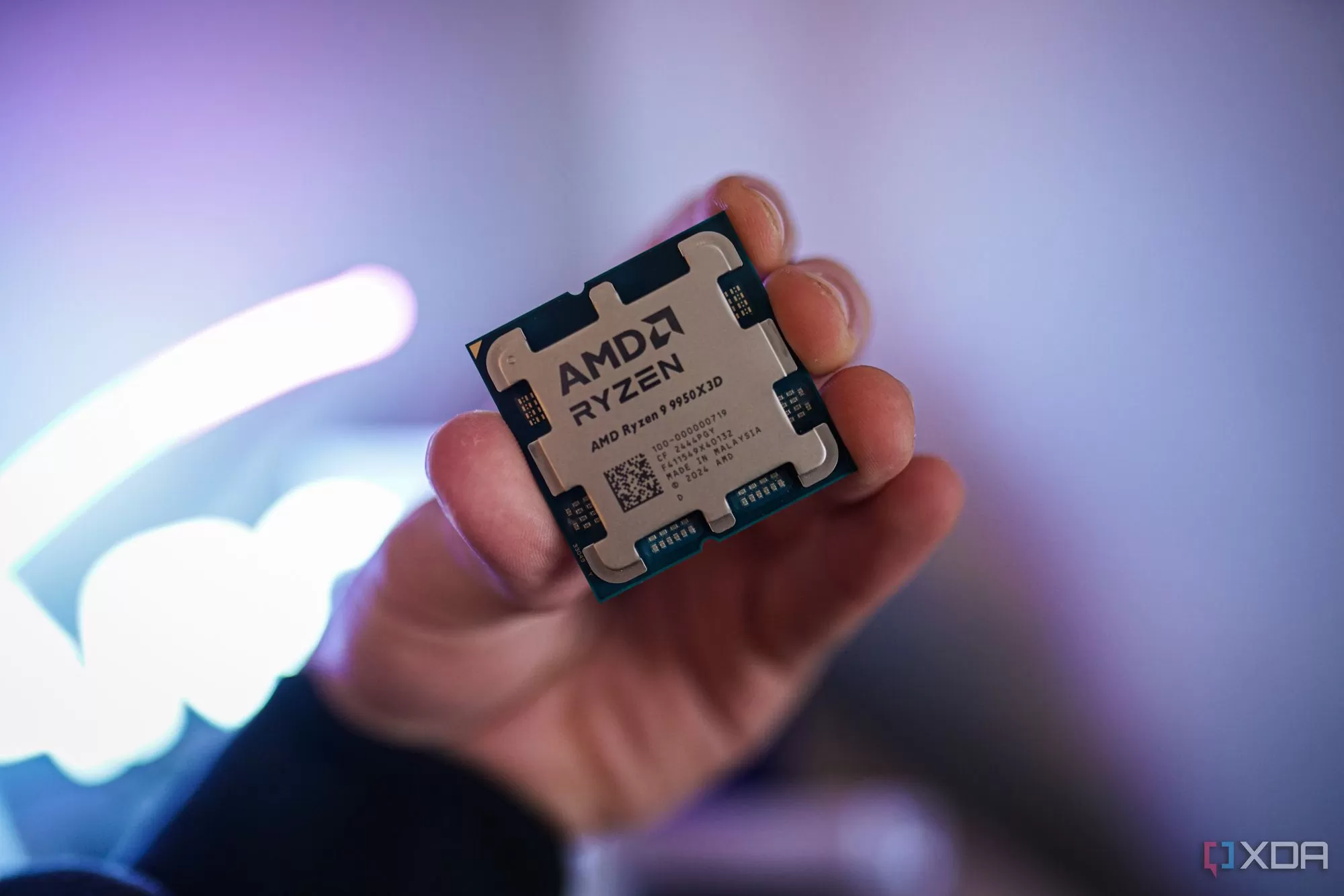 Person holding an AMD Ryzen 9 9950X3D processor chip
A Great Tool to Have Around
Undervolting is a powerful tool for optimizing your PC’s performance and efficiency. By understanding what it is and dispelling common myths, you can confidently explore its benefits. It’s fundamentally about getting your specific hardware to run as efficiently as possible for a given frequency. Even if you’re not battling high temperatures or fan noise, giving undervolting a try can be a rewarding way to get more out of your CPU and GPU.
Ready to explore undervolting further? Learn more about 4 reasons you should undervolt your GPU or find out 4 reasons to undervolt your laptop’s CPU.






















