
Tired of hitting unexpected traffic jams or missing a crucial turn? You’re not alone. While Google Maps has been a staple for years, many drivers are discovering the power of Waze, an app that offers a fresh, community-driven approach to getting around. Owned by Google but operating independently, Waze focuses squarely on real-time driving conditions reported by users, providing a unique edge that can save you time, hassle, and maybe even money on your daily commute or road trips.
Contents
Here’s a look at why Waze stands out and what makes it a compelling alternative or complement to other navigation tools.
Real-Time Traffic Alerts That Keep You Moving
Waze’s biggest strength comes from its massive community of drivers. As users navigate, they actively report road conditions – think sudden slowdowns, accidents, road closures, and even objects in the road. This crowdsourced data is fed into the app instantly, giving Waze a near real-time pulse on what’s happening ahead.
Unlike apps that might rely more on historical data or slower official feeds, Waze can spot trouble the moment it starts. When a new delay pops up, Waze is quick to reroute you automatically onto a faster path, sometimes leading you down side streets Google Maps might not consider. It’s like having millions of co-pilots constantly reporting back.
Waze also takes the stress out of speed enforcement. It provides warnings for speed cameras and known police locations. For many drivers, this heads-up feels incredibly valuable, especially on unfamiliar routes where speed limits might change unexpectedly.
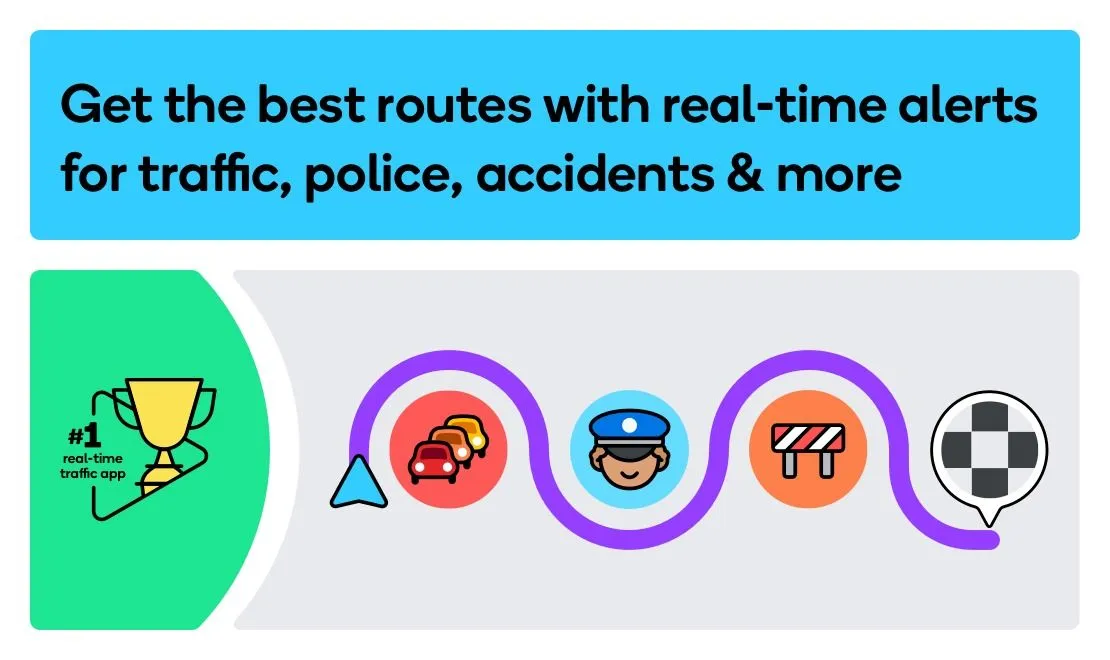 Waze app icons with banner text indicating live traffic reports
Report More Than Just Accidents
Waze empowers drivers to become active participants in mapping road conditions. You can report a wide variety of hazards and issues that Google Maps often doesn’t cover. Spotted a nasty pothole, debris, or even roadkill? You can flag it in Waze to warn others.
Beyond common issues, Waze incorporates reports on less frequent but important events. Volunteer map editors add details like upcoming speed bumps, and recent updates have introduced alerts for School Zones during operational hours.
A major innovation is Waze’s conversational reporting feature, powered by Google’s Gemini AI. Instead of tapping through menus, you can simply tap the report button and describe the situation naturally, like “Looks like traffic is really building up here.” Waze processes your voice command and creates the appropriate alert, making reporting easier and keeping your hands where they should be – on the wheel.
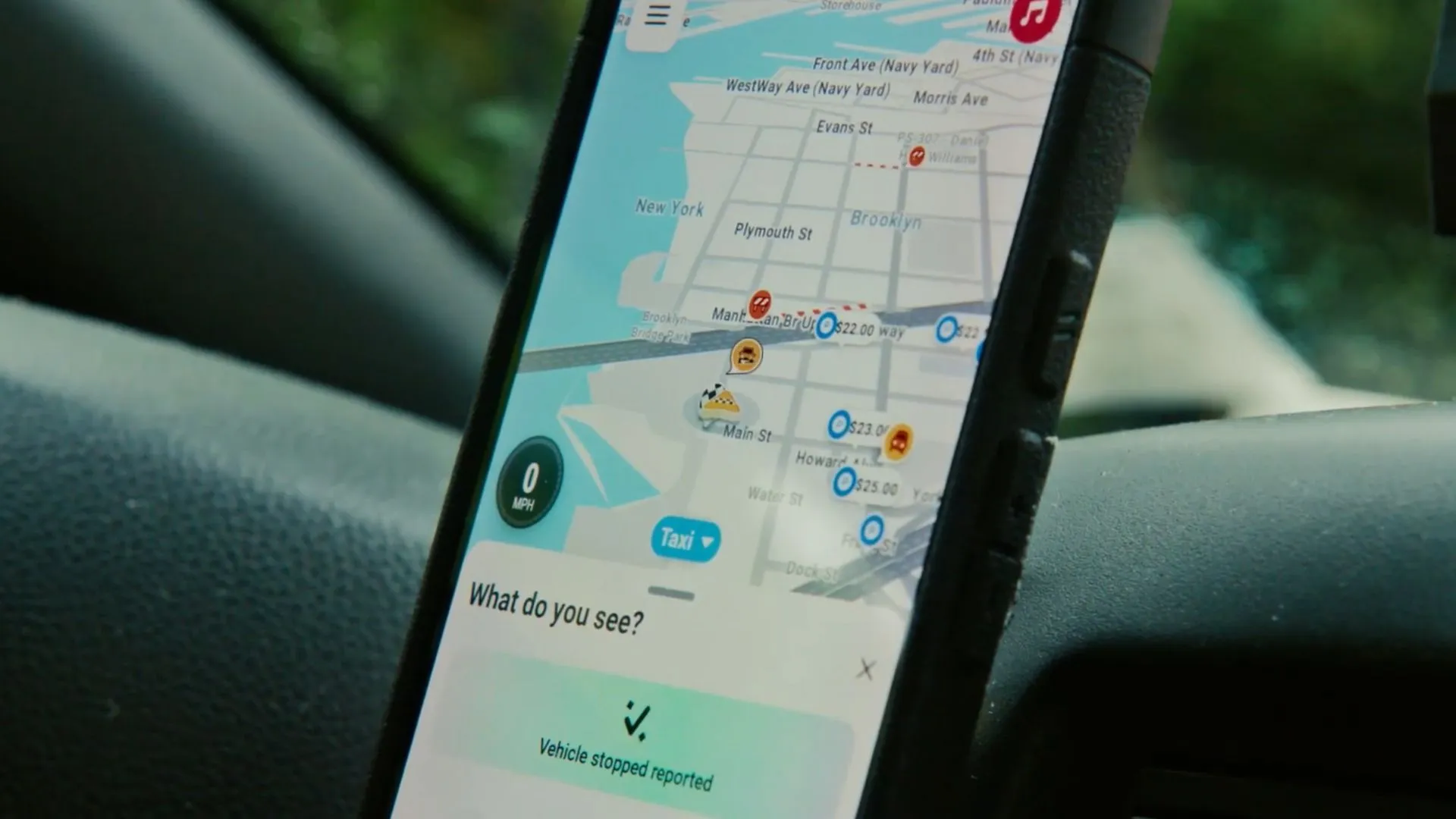 The Waze app screen demonstrating the Conversational Reporting feature
A Driving Interface Designed for the Road
Waze has a distinct look and feel compared to the more traditional interface of Google Maps. Its map uses brighter colors, bolder icons, and can feel more “cartoonish” to some users. While opinions vary, many find that these large, clear icons for reported hazards, police, and speed limits are easier to spot at a glance while driving.
The app prioritizes essential driving information once you’re on your route. The map shows your car’s position, clear turn-by-turn directions, and immediate alerts. It intentionally reduces visual clutter like business listings and points of interest that appear on Google Maps, keeping the focus squarely on navigation and road conditions. This minimalist approach while in motion can be a significant advantage for staying focused on the drive itself.
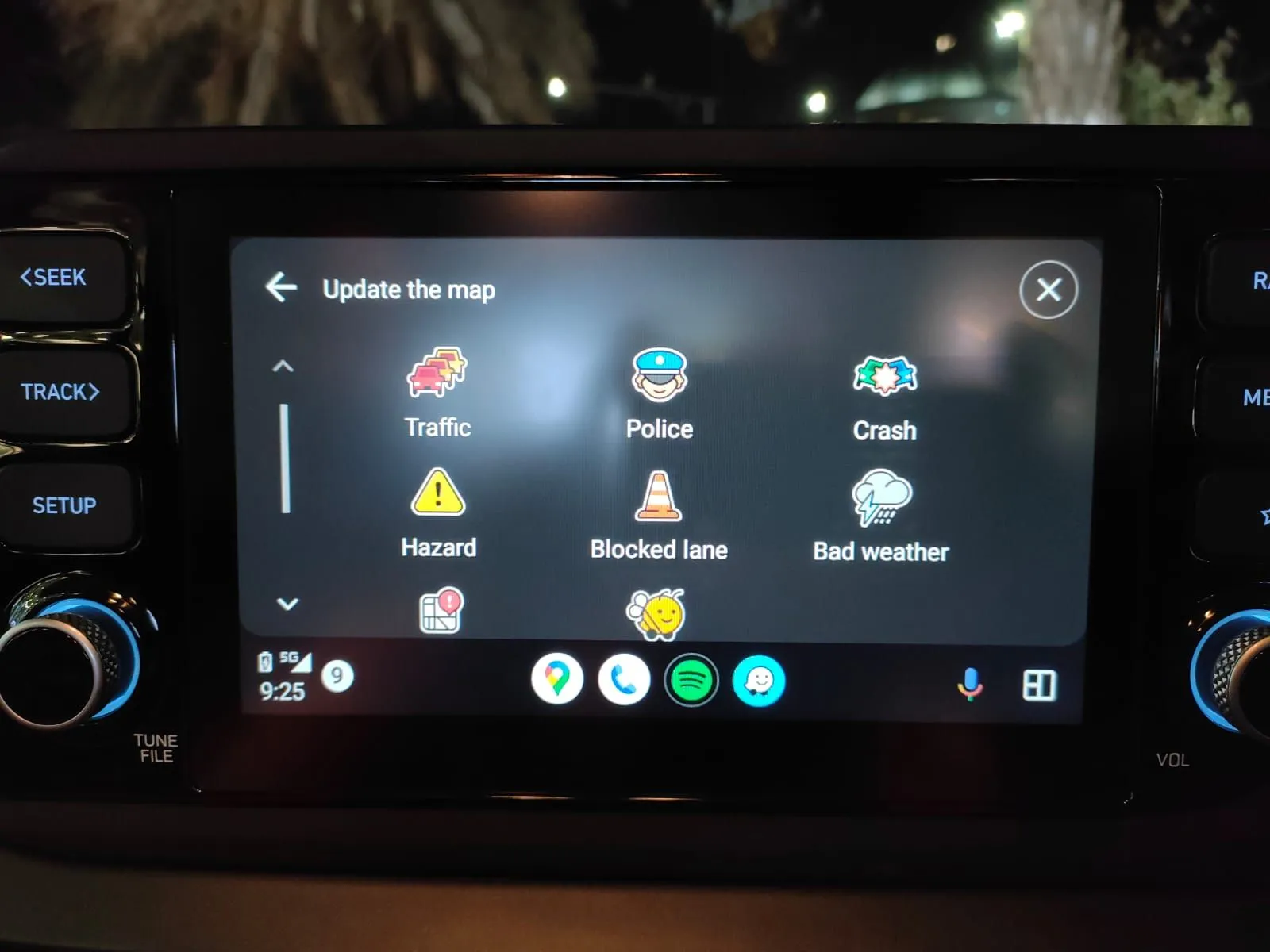 Screenshot showing the incident reporting options available in the Waze app
More Ways to Personalize Your Drive
Customization is another area where Waze pulls ahead for many drivers. You can tweak various settings to tailor the navigation experience to your preferences.
One popular feature is the wide selection of navigation voices. Beyond standard options, Waze frequently partners with brands and celebrities, allowing you to get directions from unexpected voices, adding a bit of fun to your commute. You can even record your own voice prompts!
You can also enter details about your vehicle and fuel type. This allows Waze to provide relevant information, such as displaying real-time fuel prices at nearby gas stations to help you find the cheapest fill-up. For drivers who want to minimize wear and tear, Waze offers options to avoid unpaved or dirt roads.
 Image comparing Google Maps and Waze interfaces, highlighting customization options
You might be surprised by some of the quirky voice options Waze has offered over the years. Here are 9 oddball Waze celebrity voices that deserve a listen.
Gamification and Social Features
Waze injects a social and game-like element into driving. You can see icons representing other Waze users on the map (though not specific identities unless you add them as friends), adding a sense of community. You can even set a “mood” icon for your own avatar.
The app also rewards active users. You earn points for every mile driven and for submitting reports on traffic or hazards. These points contribute to your ranking within the Waze community and unlock badges, turning navigation into a competitive or cooperative game for some.
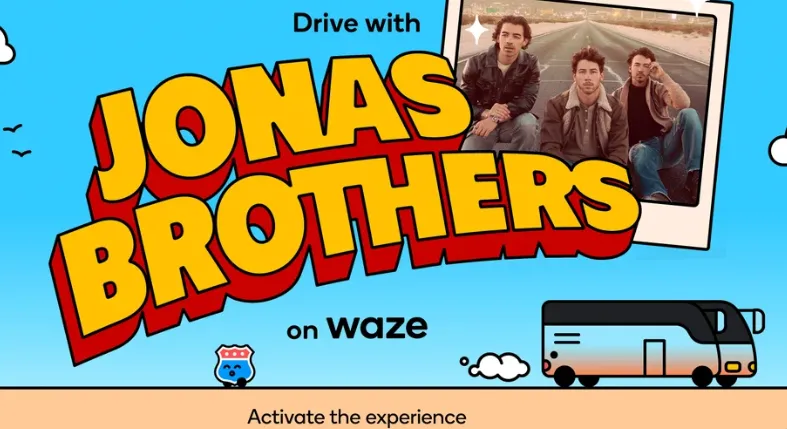 Promotional image showing the Jonas Brothers, who partnered with Waze for a celebrity voice pack
When to Choose Waze (and When Google Maps Still Wins)
Despite its strengths for drivers, Waze isn’t a perfect replacement for Google Maps in every scenario. Waze is built specifically for driving. This means it lacks features for navigating via public transit, walking, or biking. For those trips, Google Maps remains the clear choice.
Google Maps also has a richer database of places and points of interest. If you’re trying to find a new restaurant, look up business hours, or use Street View to preview a location, Google’s extensive directory is unmatched.
Another limitation of Waze is its reliance on a constant internet connection for real-time updates. While there are unofficial workarounds for offline use, the app’s core advantage – its live data – is lost without connectivity. Google Maps offers robust offline map downloads, making it better suited for areas with poor signal.
The Right Tool for the Job
Ultimately, both Waze and Google Maps are powerful navigation tools. For pure driving, especially in areas prone to traffic, Waze’s real-time reporting, driver-focused interface, and community features offer significant advantages. Its ability to quickly reroute based on live conditions and warn you about speed traps and hazards can make your drive smoother and safer.
However, for exploring locations, using public transport, or navigating offline, Google Maps is often the better fit. Many users find value in having both apps installed and choosing the one that best suits their current trip needs.
Considering making the switch or exploring Waze more deeply? Check out 5 Waze settings you should change immediately to get the most out of the app.






















